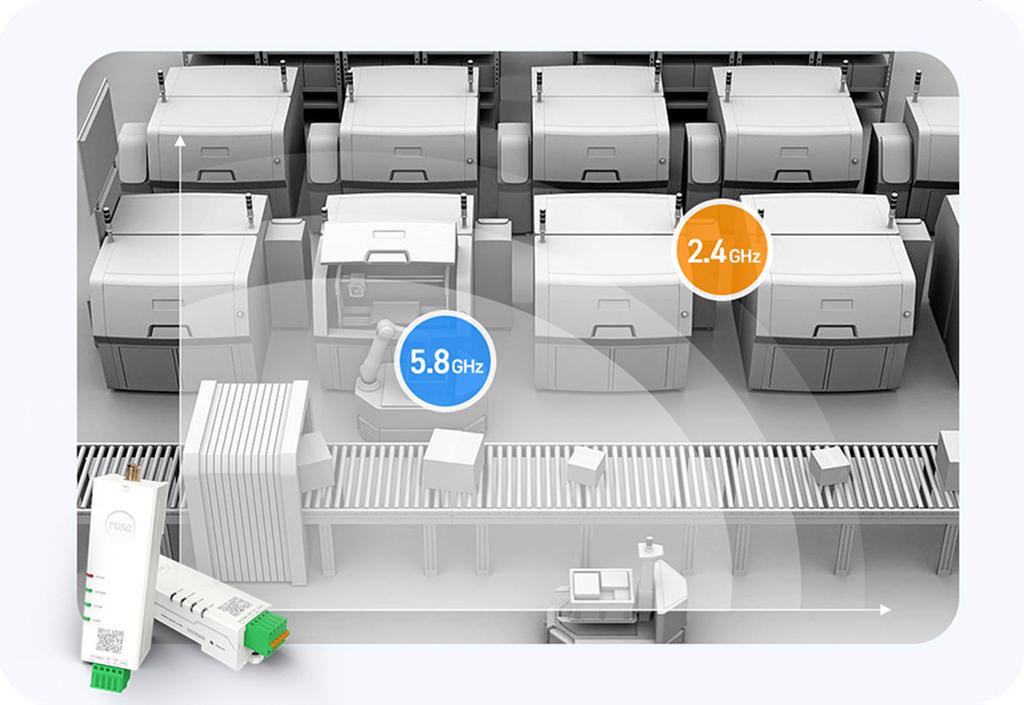
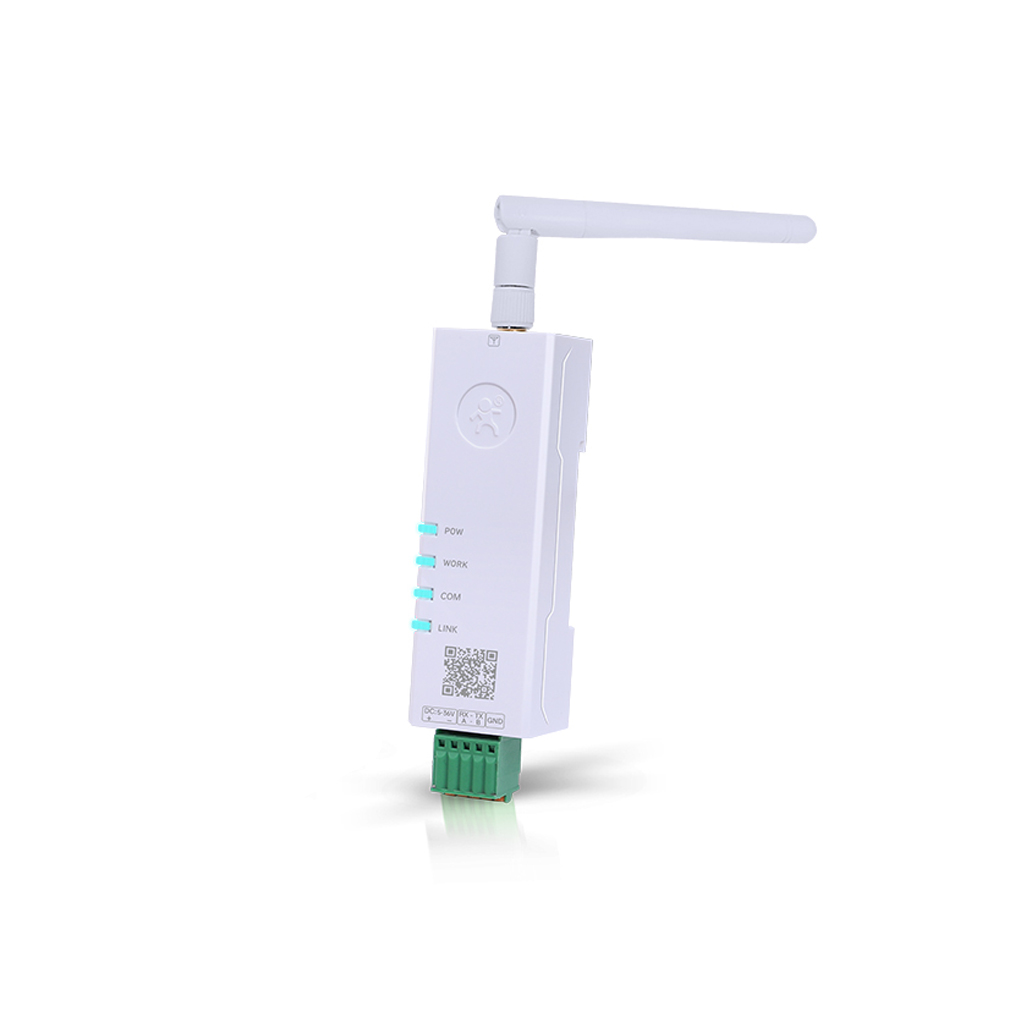
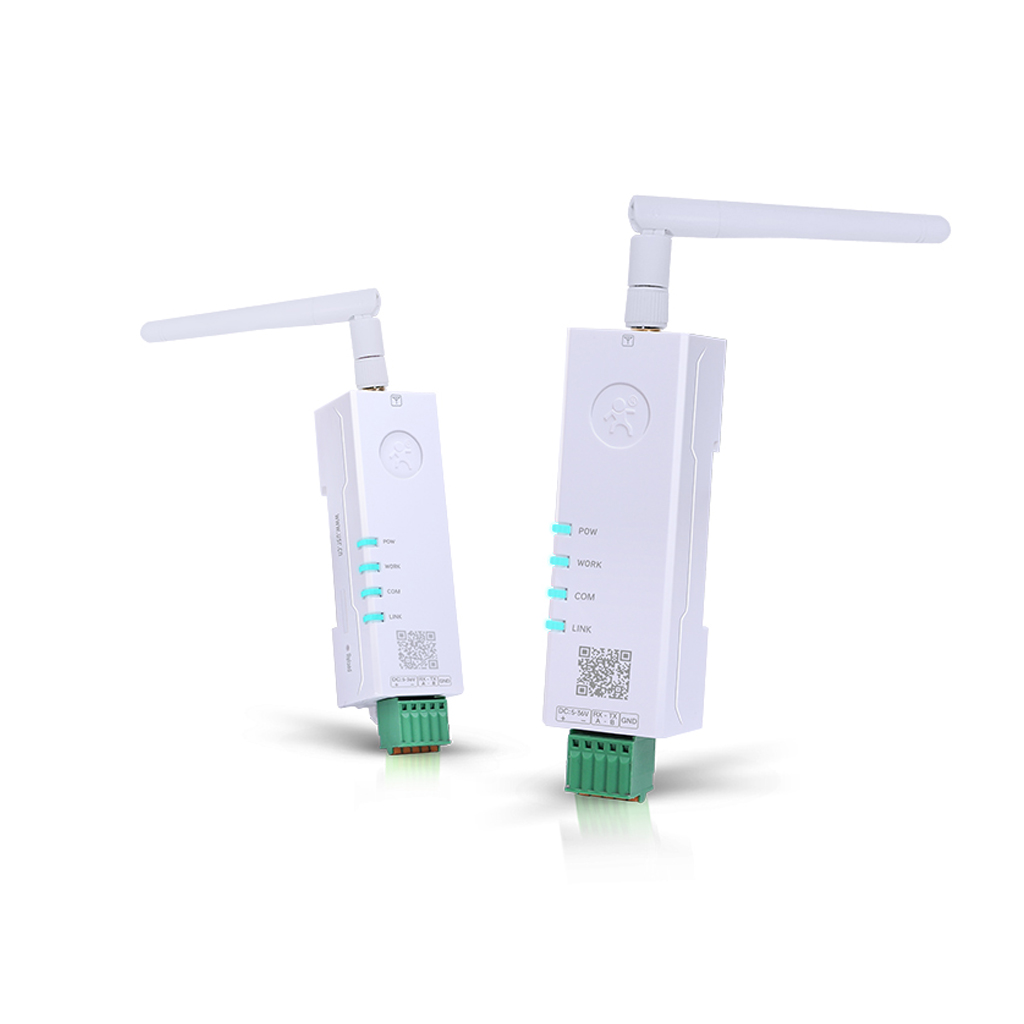
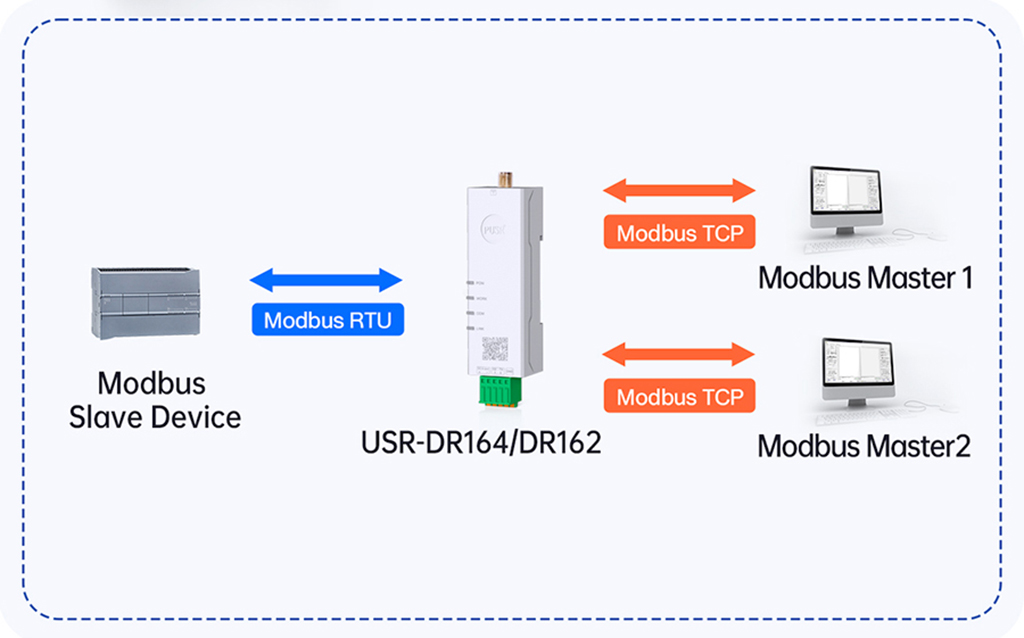
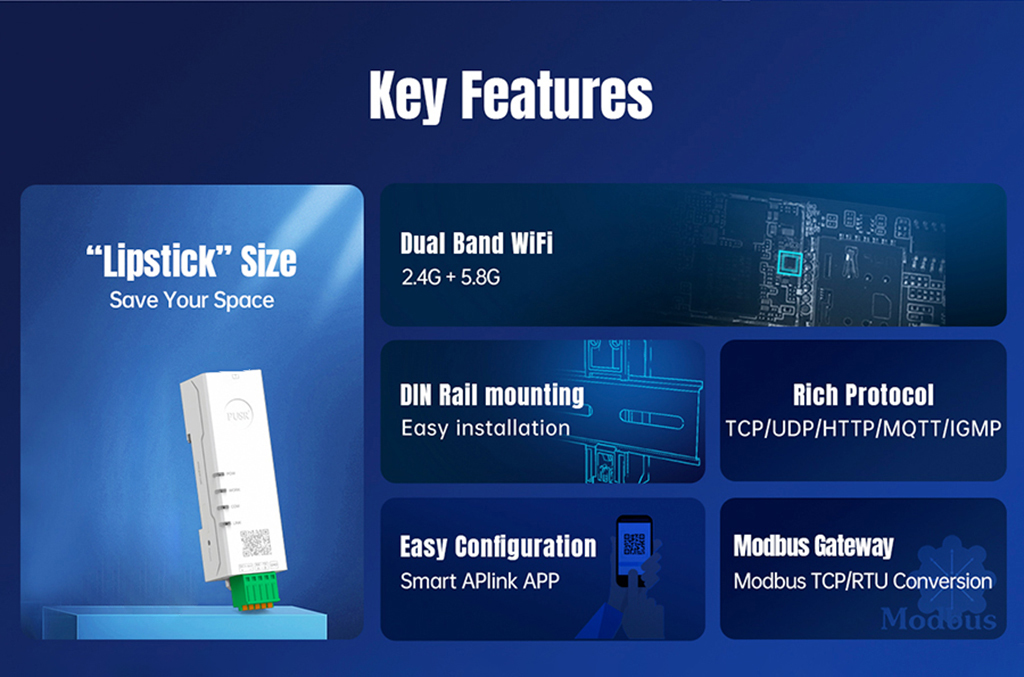
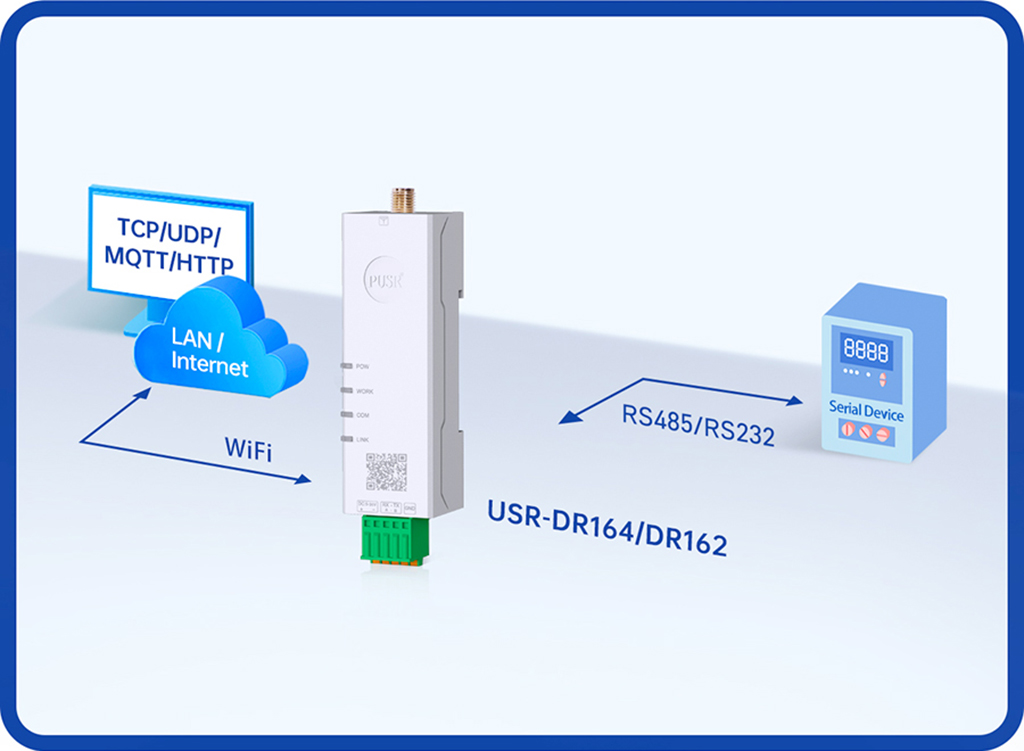
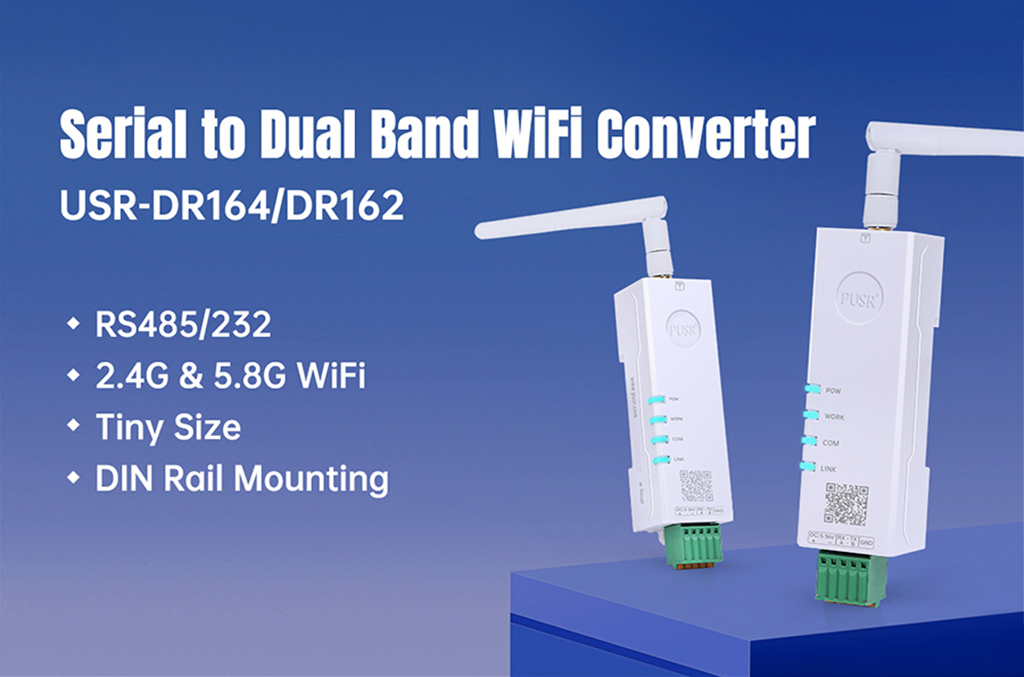
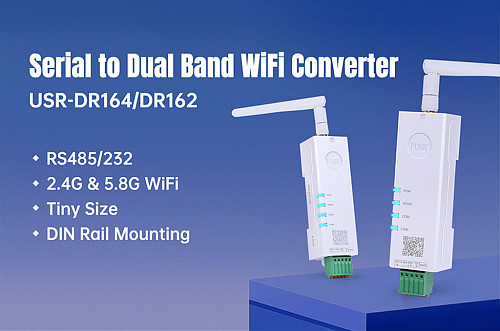
USR-DR164/162 Ultra-small Size Serial RS232/RS485 to Dual Band WiFi Converter 2.4G & 5.8G WiFi Support Modbus TCP/RTU conversion
|
Items
|
Description
|
|
Power Supply
|
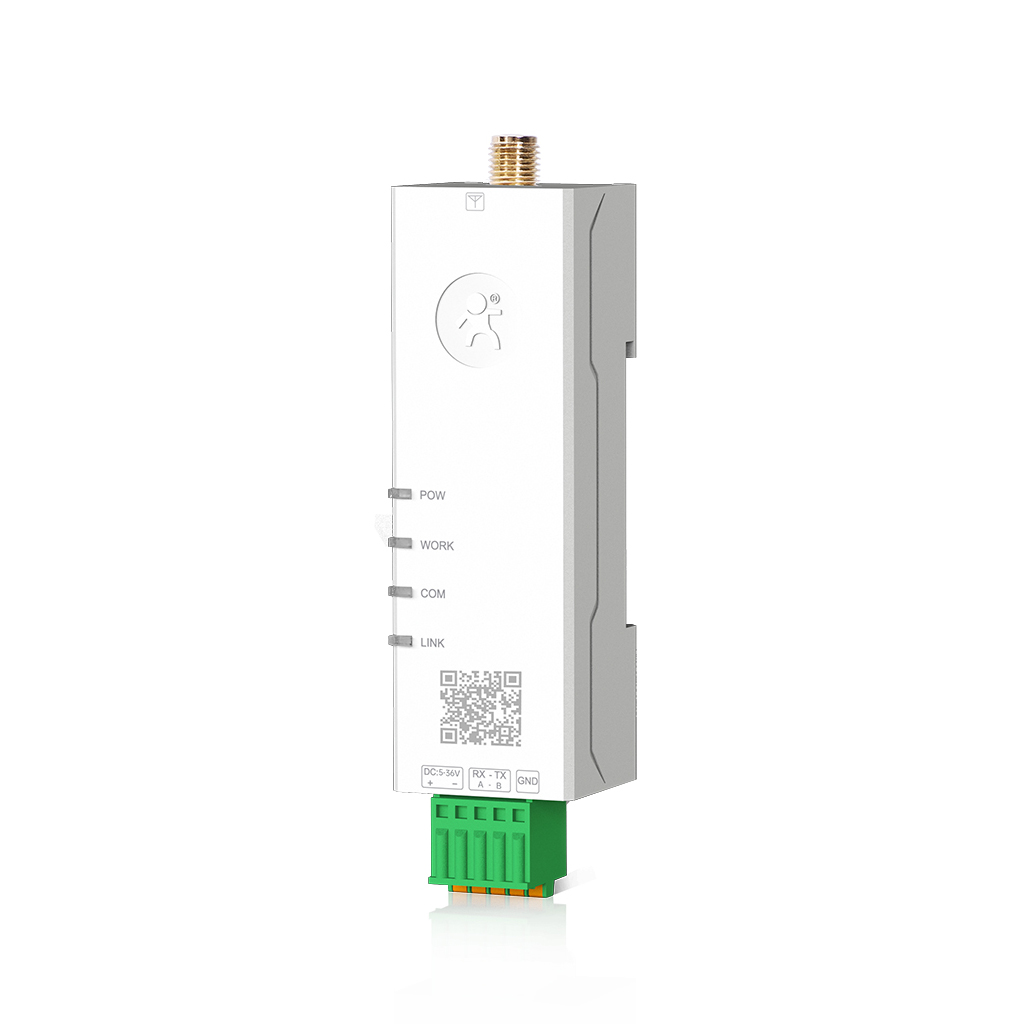
DC: 5-36V, 2-pin push-type connector
|
|
Working Current
|
170-350mA@5V
|
|
Serial port
|
|
No.
|
USR-DR164:1 x RS485,
USR-DR162:1 x RS232,
3-pin push-type connector.
|
|
Baud rates
|
1200-460800 bps
|
|
Data bits
|
5, 6, 7, 8
|
|
Stop bits
|
1, 2
|
|
Parity
|
NONE, ODD, EVEN, Mark, Space
|
|
Packaging Interval
|
Range: 10 ~ 1000ms, default: 20ms
|
|
Packaging Length
|
Range: 32 ~ 1400 bytes, default: 1400 bytes
|
|
Pull-up Resistor
|
2.2 KΩ(Only USR-DR164)
|
|
Protection
|
ESD, EFT, over-voltage protection
|
|
Wi-Fi
|
|
Standards & Frequency
|
IEEE 802.11a/b/g/n
2.4G: 2.412GHz-2.484GHz
5.8G: 5.17GHz-5.25GHz, 5.725GHz-5.835GHz
|
|
Working Mode
|
AP/STA/AP+STA
|
|
Tx power
|
2.4G:
802.11b: +17±1.5dBm(@11Mbps)
802.11g: +14±1.5dBm(@54Mbps)
802.11n: +14±1.5dBm(@HT20, MCS7)
5.8G:
15±1.5dBm (OFDM 6Mbps)
13±1.5dBm (OFDM 54Mbps)
12±1.5dBm (HT20 MCS7)
12±1.5dBm (HT40 MCS7)
|
|
Receive sensitivity
|
2.4G:
802.11b:-95 dBm (@1Mbps ,CCK)
802.11b:-85 dBm (@11Mbps ,CCK)
802.11g:-72 dBm (@54Mbps, OFDM)
802.11n:-70dBm (@HT20, MCS7)
802.11n:-67dBm (@HT40, MCS7)
5.8G:
-90dBm (@6Mbps ,OFDM)
-73dBm (@54Mbps ,OFDM)
-70 dBm (HT20,MCS7)
-67 dBm (HT40,MCS7)
|
|
Antenna
|
SMA female connector
|
|
Physical Property
|
|
Casing material
|
ABS, V0 rating
|
|
Dimensions
|
92 * 24 *22mm(including terminal block connector)
|
|
Installation
|
DIN rail mounting
|
|
Operating temperature
|
-40℃~+85℃
|
|
Storage temperature
|
-40℃~+125℃
|
|
Operating humidity
|
5% ~ 95% RH, non-condensing
|
|
Storage humidity
|
1% ~ 95% RH, non-condensing
|
|
Software Function
|
|
Work mode
|
TCP Client, TCP server, UDP client, UDP server, HTTP client, MQTT client, IGMP
|
|
Modbus Gateway
|
Modbus RTU/TCP protocol conversion
|
|
IP
|
DHCP/StaticIP
|
|
Registration packet
|
√
|
|
Heartbeat packet
|
√
|
|
WiFi Encryption
|
WEP/WPA-PSK/WPA2-PSK
|
|
Encryption Methods
|
WEP64/WEP128/TKIP/AES
|
|
IOT PLATFORMS
|
PUSR cloud
|
|
User Configuring
|
Web console(HTTP), AT command, SmartAPLink
|
|
Others
|
|
Reset
|
Reset button
1>Press and hold for 4~15 to reset to factory settings
2>Quickly ouble-tap to enter SmartAPLink for networking
|
|
Indicators
|
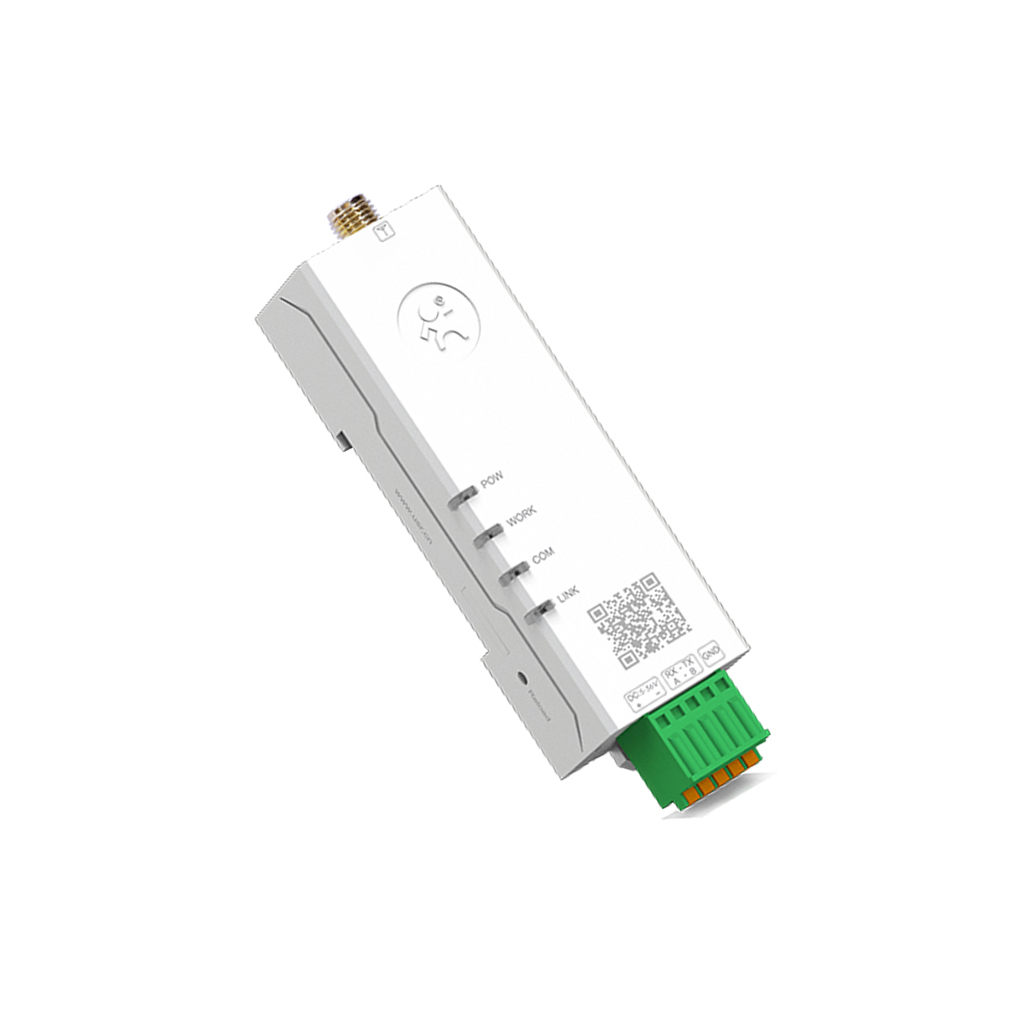
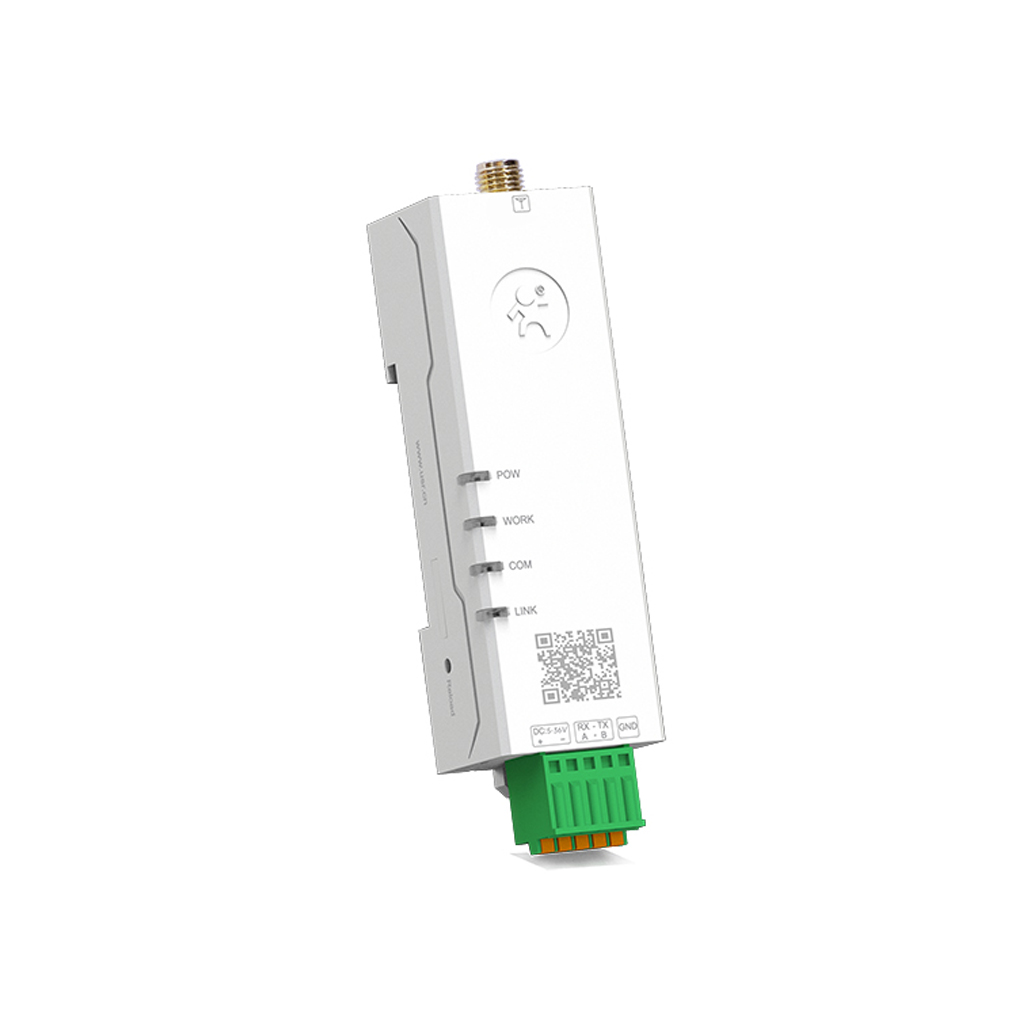
Power, Work, COM, LINK
|
|
APPROVALS
|
|
Regulatory
|
CE/RED*, RoHS*, WEEE*, FCC*
|



![(有人)[USR-W610S ] RS232 RS485 Serial To Wifi And Ethernet Converter With Qualcomm Chips Modbus RTu To Modbus TCP Dual Port WIFI Serial Server](https://us01-imgcdn.ymcart.com/25850/2025/06/18/f/f/ff73b003924d9a5f.jpg?x-oss-process=image/quality,Q_90/resize,m_lfit,w_500,h_500/sharpen,100/interlace,0/auto-orient,0 "(有人)[USR-W610S ] RS232 RS485 Serial To Wifi And Ethernet Converter With Qualcomm Chips Modbus RTu To Modbus TCP Dual Port WIFI Serial Server")









Customer Reviews