

|


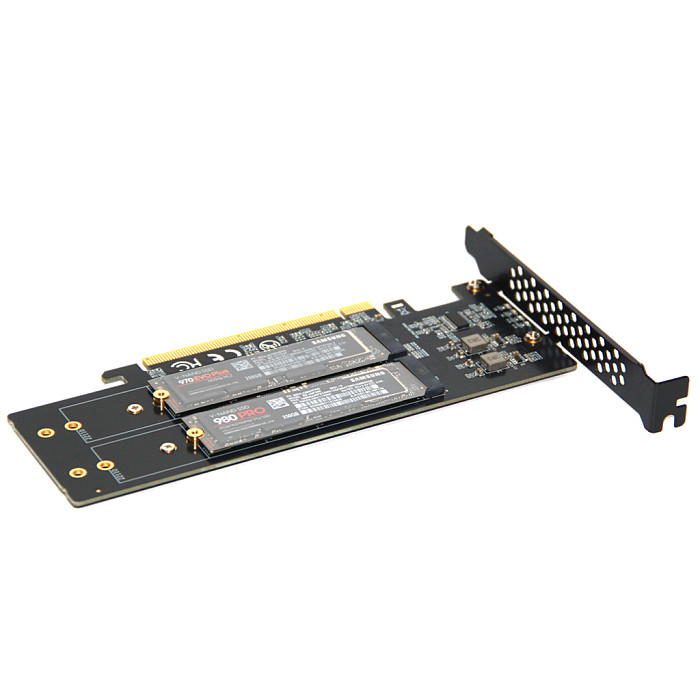


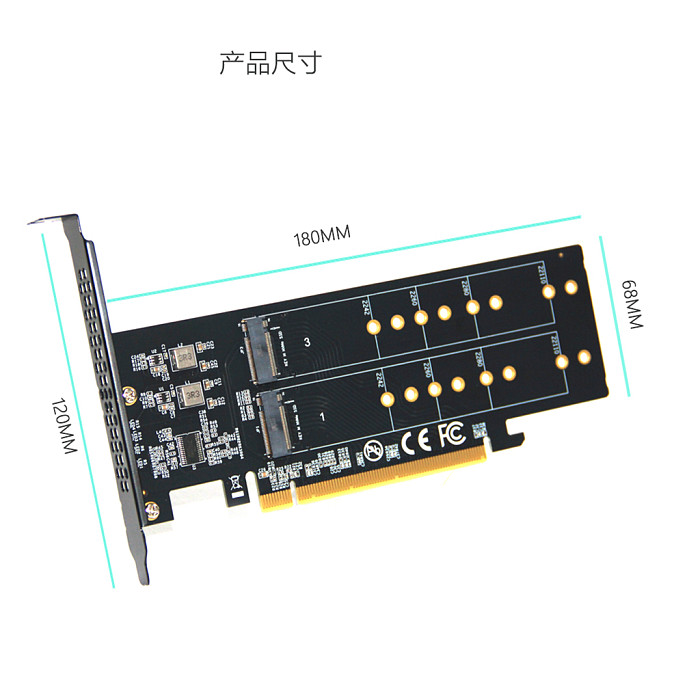
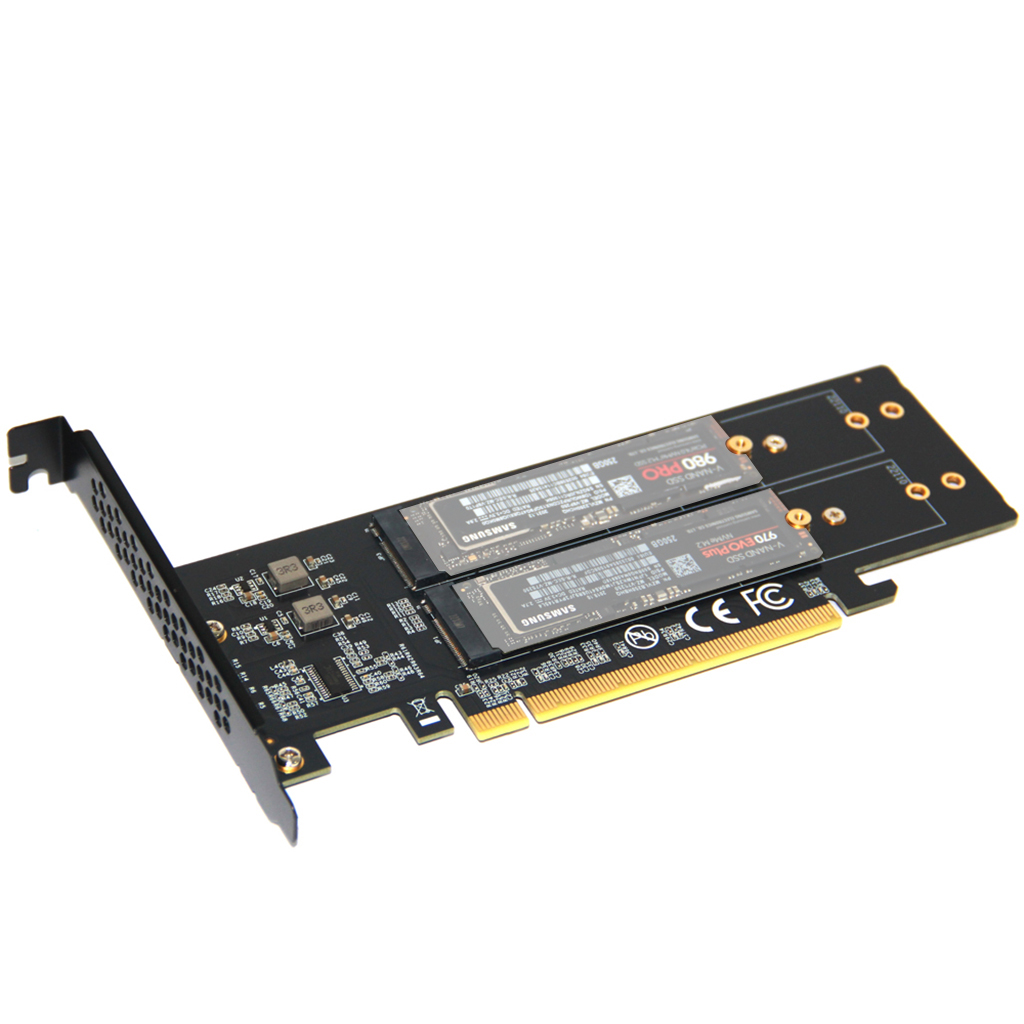
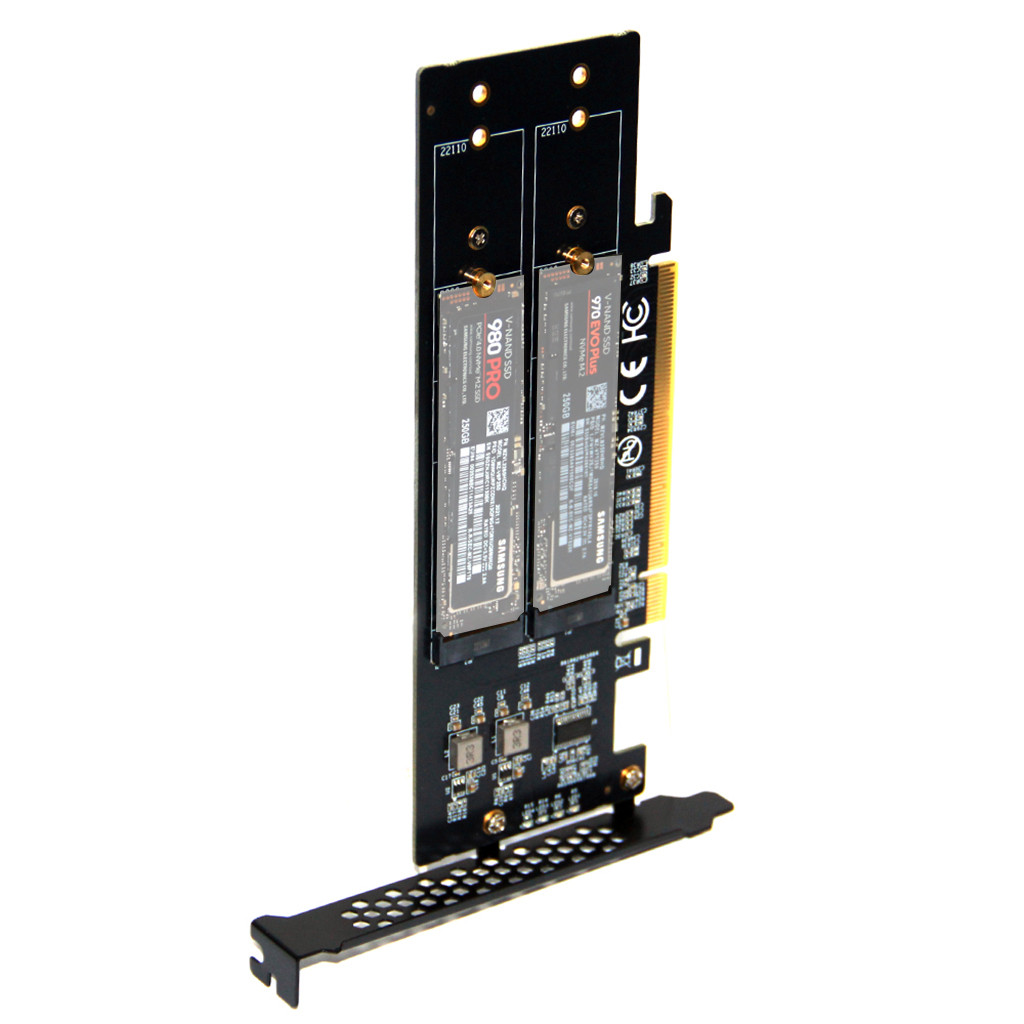
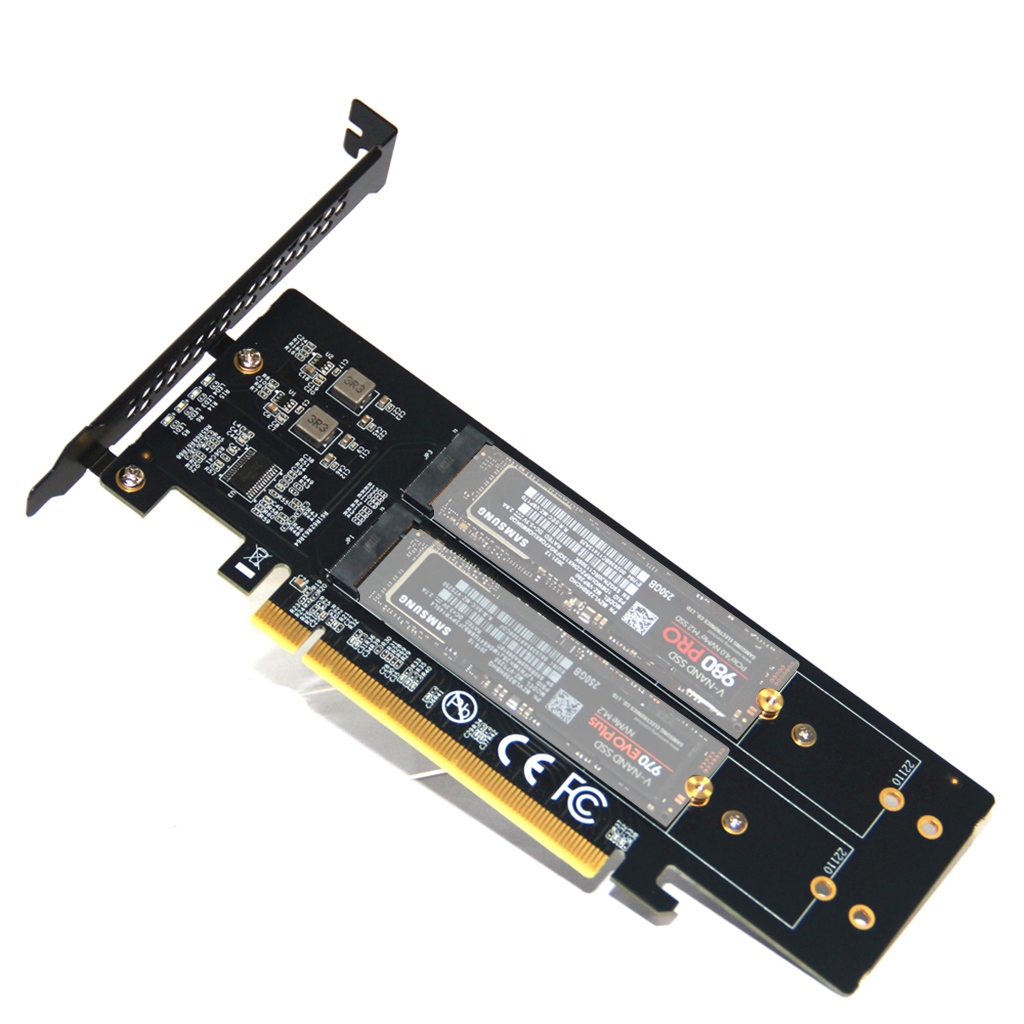
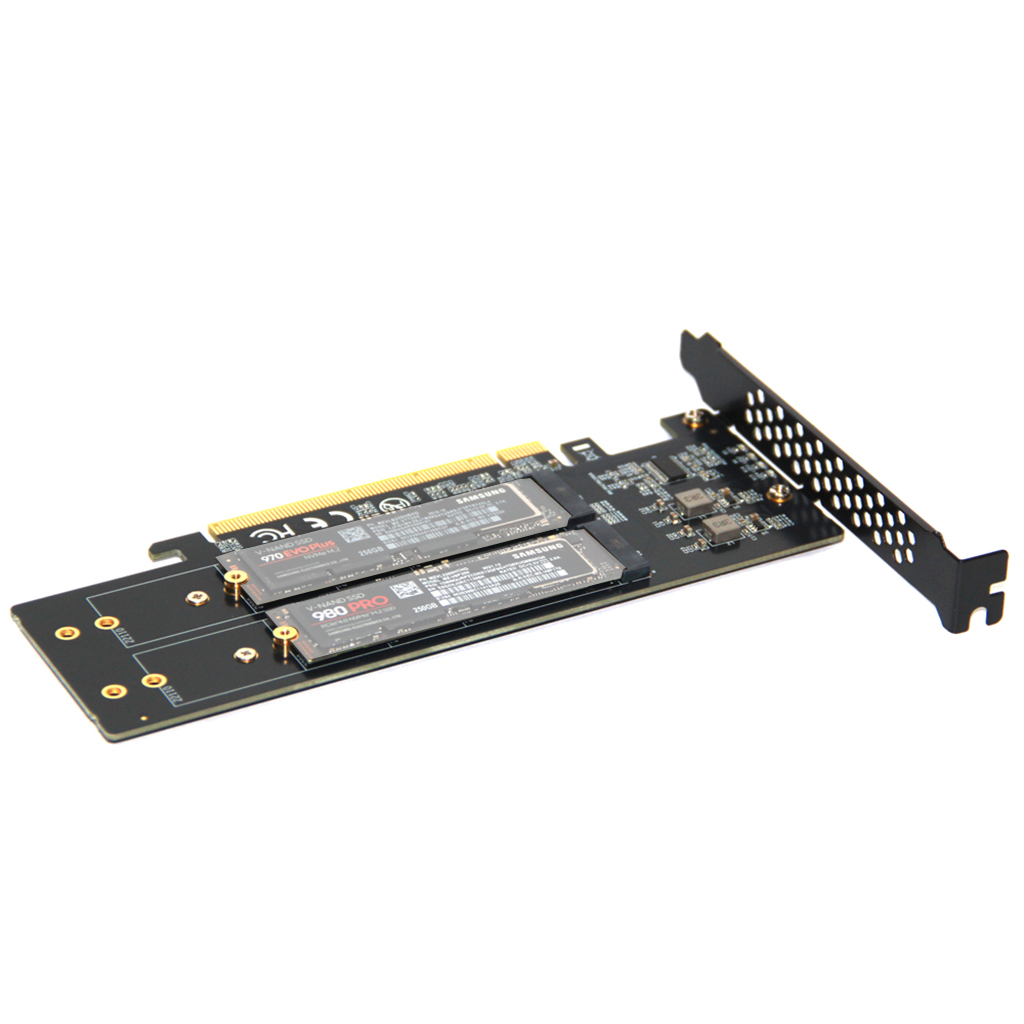
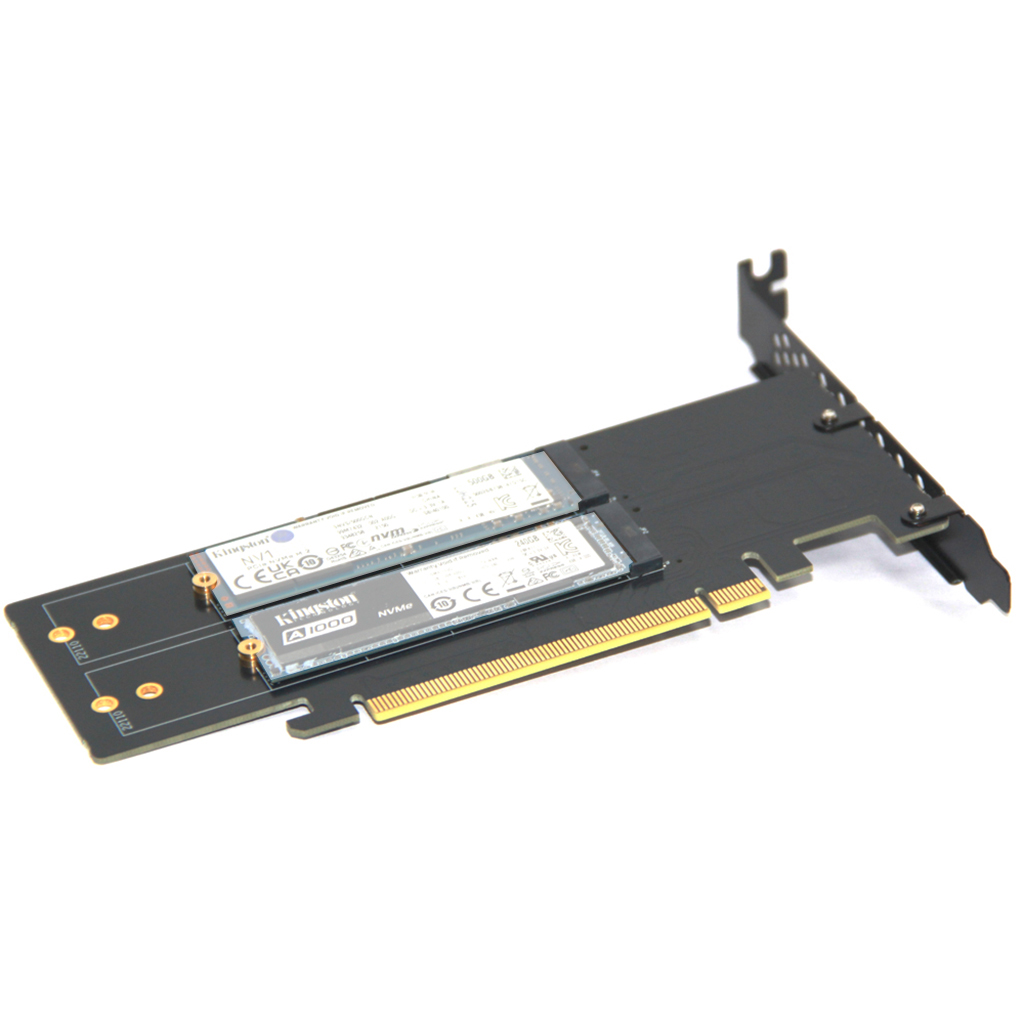
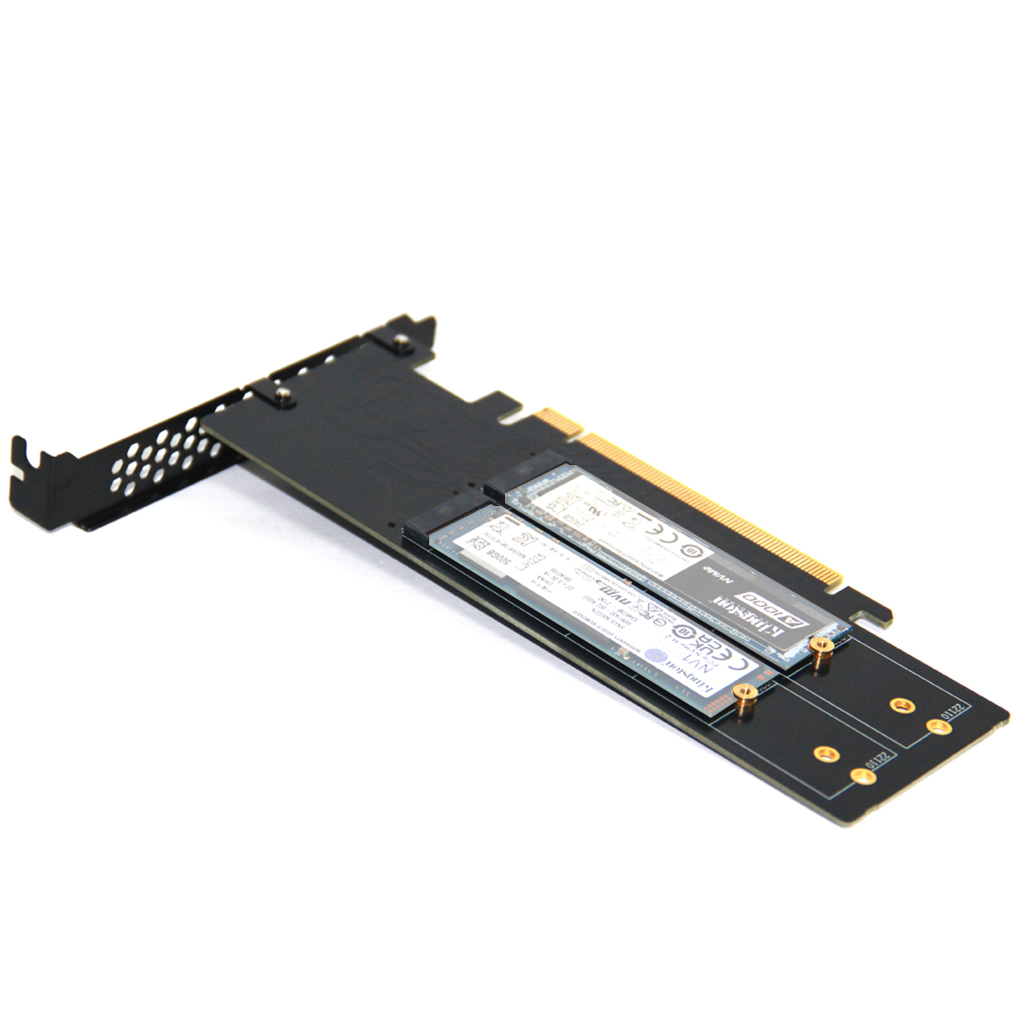
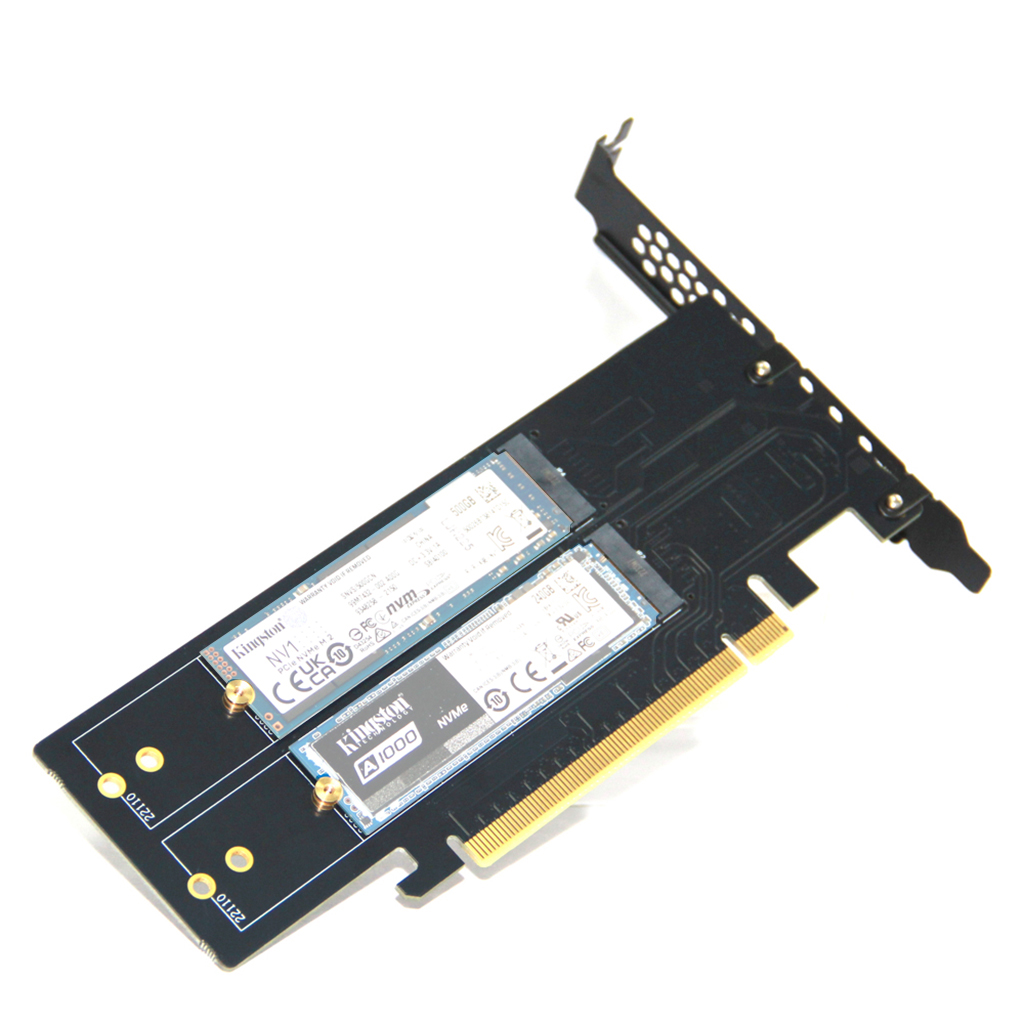
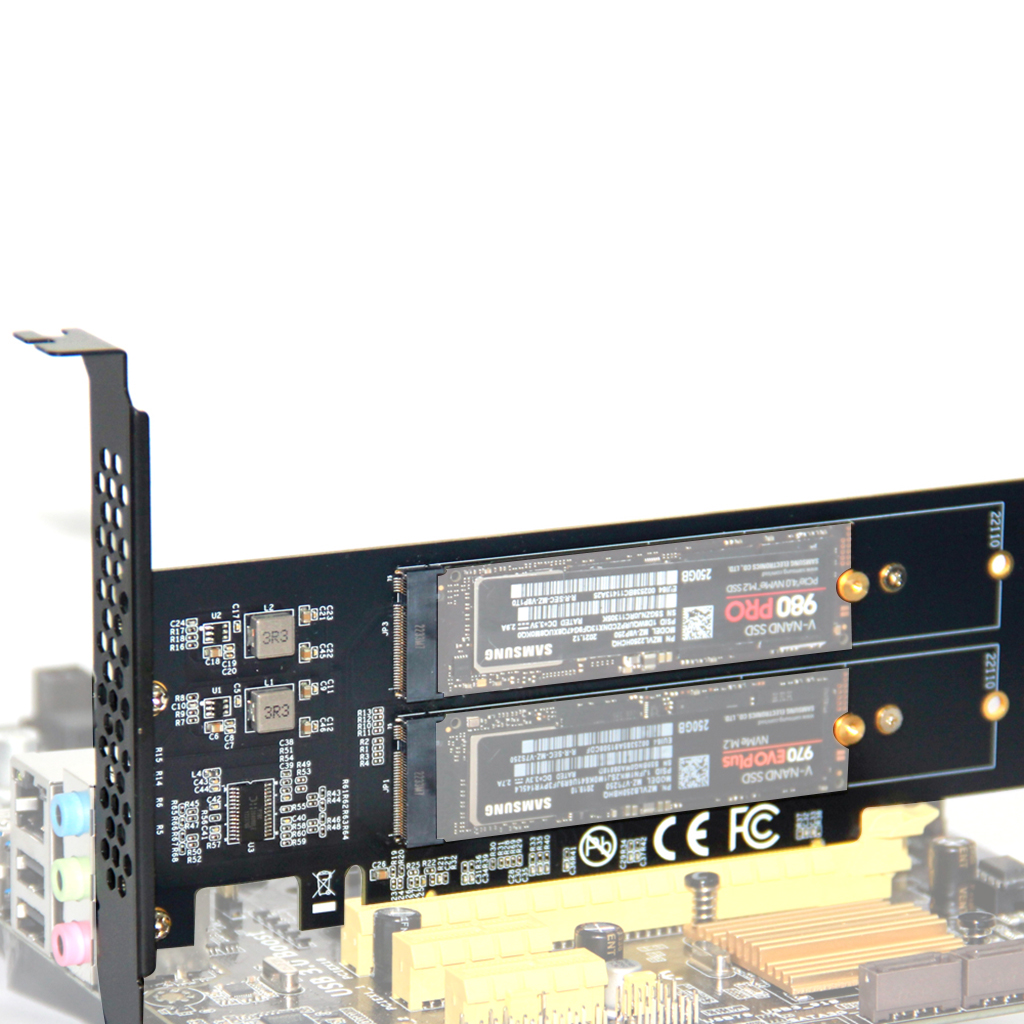
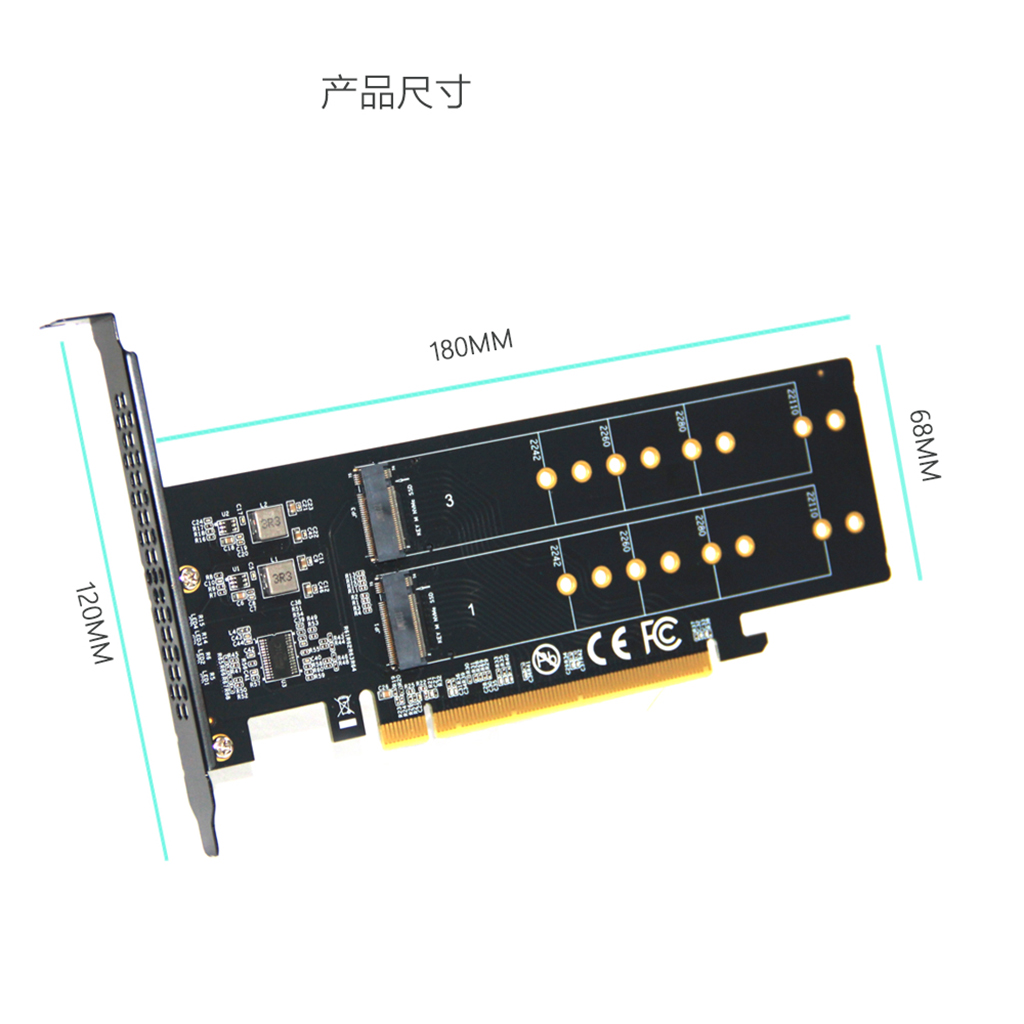
M2 solid-state drive array card PCIE4.0 X16 to four bay NVME expansion card adapter card split LM-418
-
Detail
- Product Name: M2 solid-state drive array card PCIE4.0 X16 to four bay NVME expansion card adapter card split LM-418
- Item NO.: F54473
- Weight: 0.102 kg = 0.2249 lb = 3.5979 oz
- Category: Computer Accessories
- Creation Time: 2025-11-17
- M2 solid-state drive array card PCIE4.0 X16 to four bay NVME expansion card adapter card split LM-418
M2 solid-state drive array card PCIE4.0 X16 to four bay NVME expansion card adapter card split LM-418
1.Product Parameters:
Product Name: PCI-E4.0 X16 1/4 NVME Expansion Card
Input interface: PCI-E X16
Output interface: 4 * NVME M.2 (M-Key)
Supported devices: M.2 NVMe SSD hard drive
Supported systems: WIN7, 8, 10, 11, Linux, Mac
2. Product accessory list:
Expansion card ---1PCS
1.0MM silicone gasket---4PCS
screwdriver ---1PCS
3. Product description and features:
This product is suitable for motherboard computers that support PCI-E signal splitting and
can run 4 NVMe hard drives simultaneously (without signal splitting, the motherboard can only run SSD1 interface disks);
Supports 4-port M.2 NVME protocol;
PCI-E4.0 X16 is backward compatible with PCI-E3.0;
The PCI-E X16 interface can improve the read and write performance of hard drives, enable high-speed expansion and transmission, and enable computers to
fully utilize their performance, thereby increasing operating speed;
PCI-E X16 gold finger gold plating prevents surface oxidation, improves contact and conductivity performance, and extends service life;
4. Precautions:
How to identify whether the computer
motherboard has PCI-E signal splitting
Currently, various brands of motherboards on the market, such as ASUS, AMD, MSI, etc. (X series: X99, X299, X399,
X470, X570/Z590/B550), all support PCI-E signal splitting. Before purchasing, you can check the motherboard specifications or consult the manufacturer to
confirm;
If the existing motherboard is unclear, the most intuitive way is to check the information in the motherboard BIOS; If the motherboard supports
PCI-E splitting, relevant options can usually be found in the BIOS settings for configuration. These options may be located in the "Advanced" or "Advanced
Settings" section, and their specific locations may vary depending on the motherboard model and BIOS version. In the BIOS interface, options related to
PCI-E splitting can be found, which may include selecting the slot for splitting, the splitting mode (such as splitting x16 into x8+x8/x8+x4+x4/x4+x4+x4),etc. By adjusting these options, PCIe channel splitting can be achieved to meet specific hardware requirements.


You May Also Like


Recently Viewed




- FAQ Center
- How Can I know all Xt-xinte's Activities
- How to earn credits to get money
- Get More credits during 2019
- Shipping Service
- Free Lottery
- Company Info
- Feedback
- Customer Reviews
- About Us
- Contact Us
- News
- Authorization Certifications
- Forget Password
- My Orders
- Tracking Order
- My Account
- Register

Customer Reviews