

|


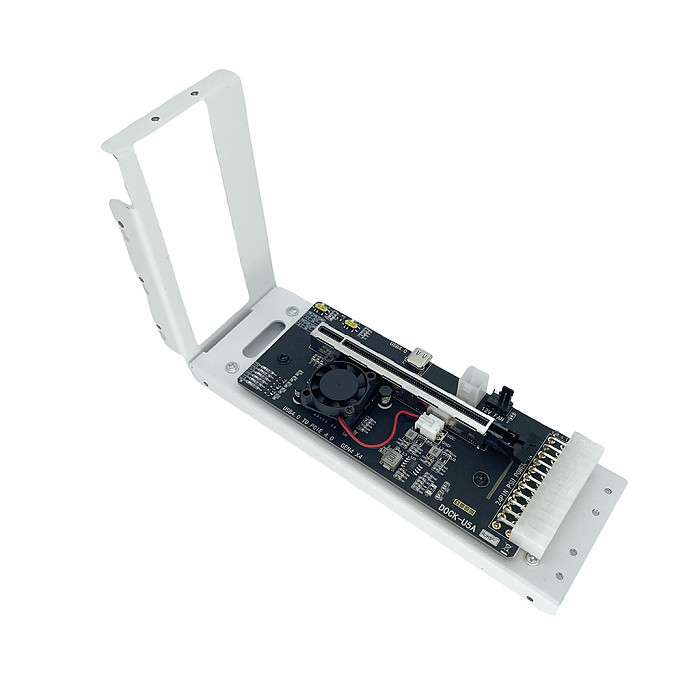


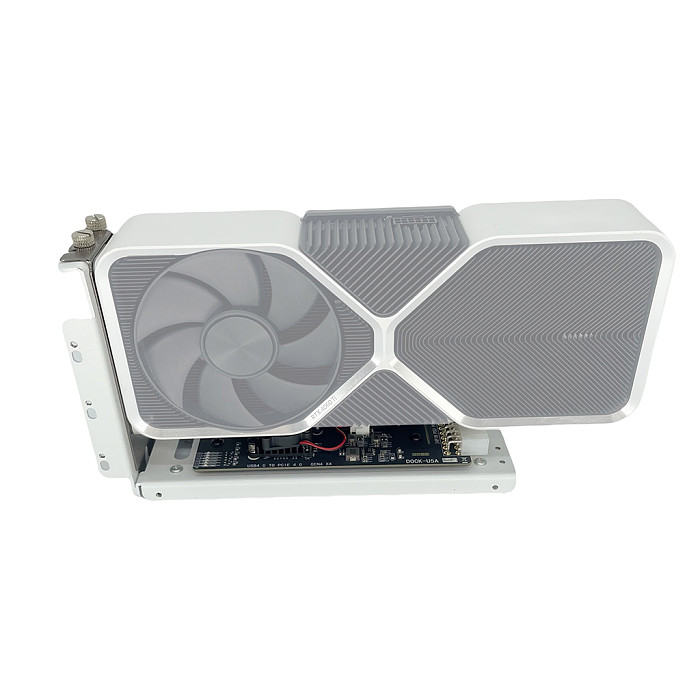


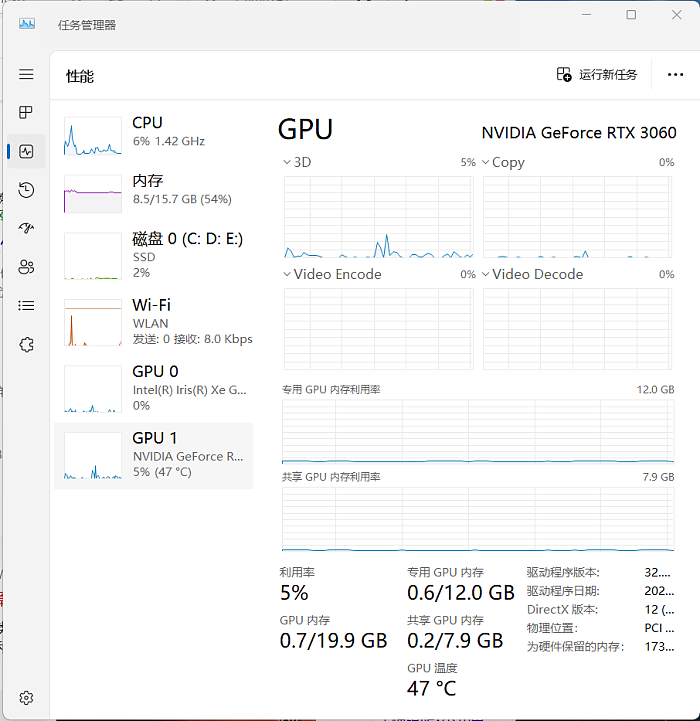


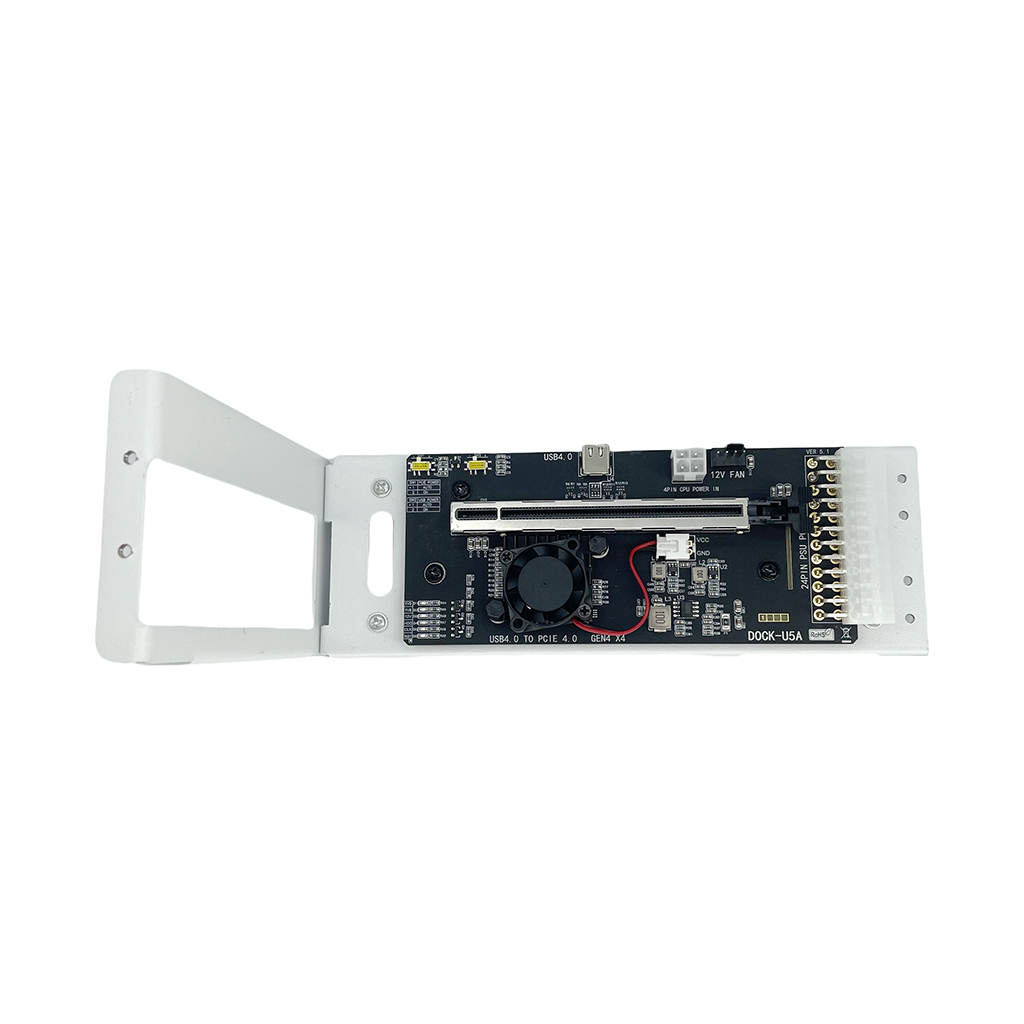
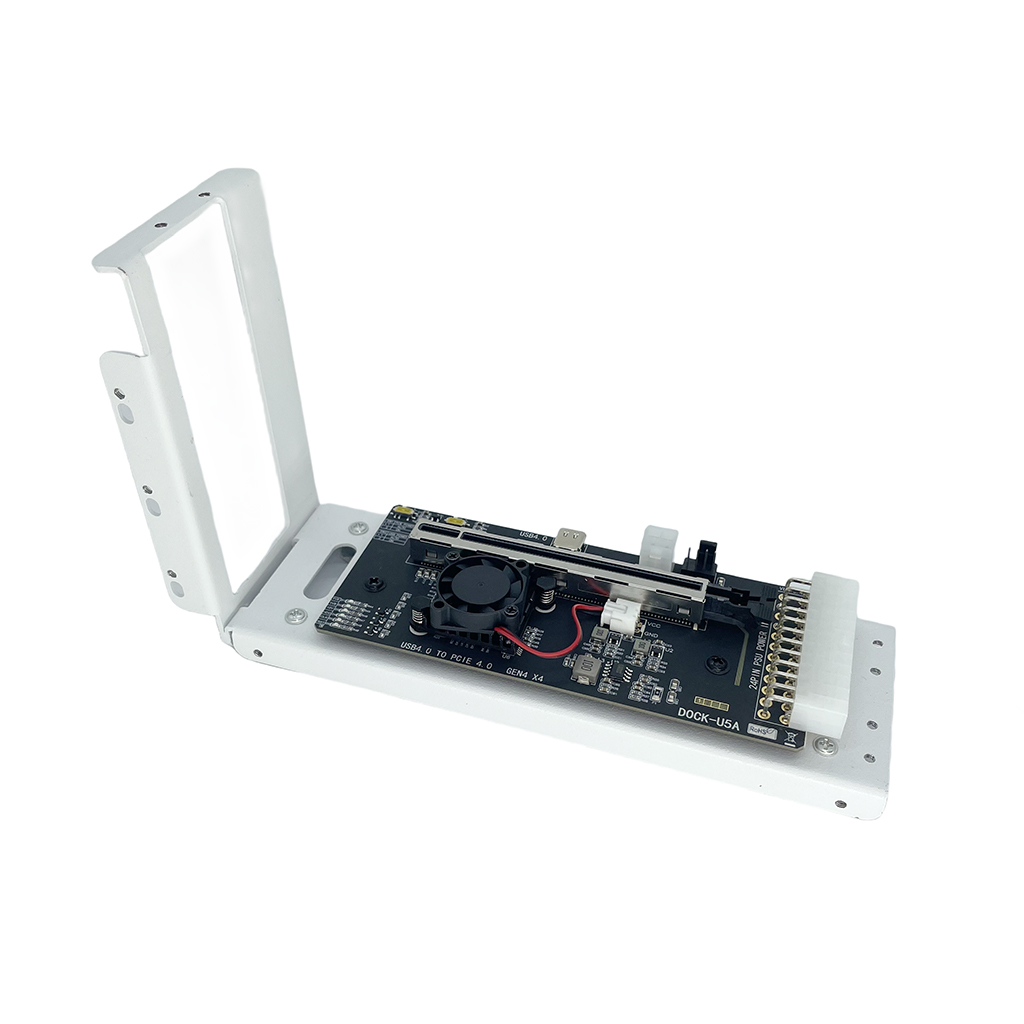
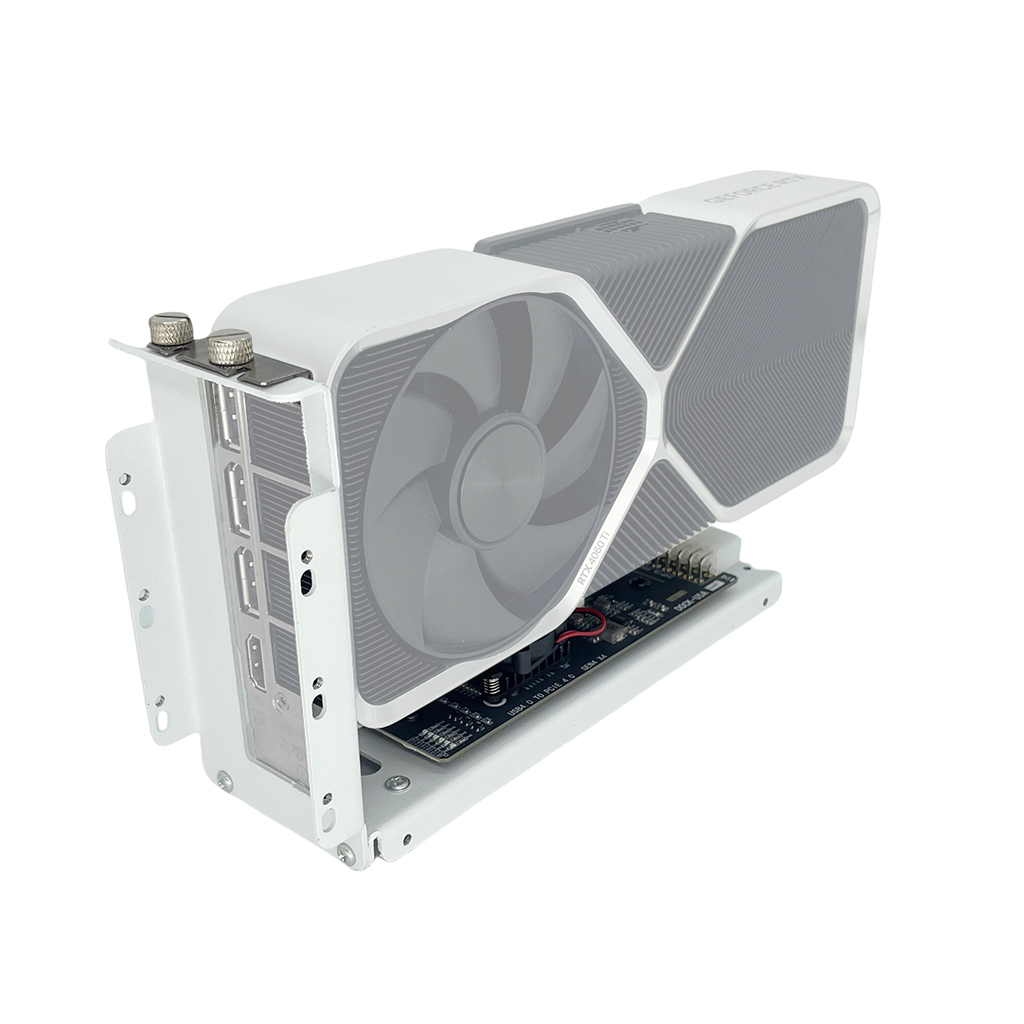
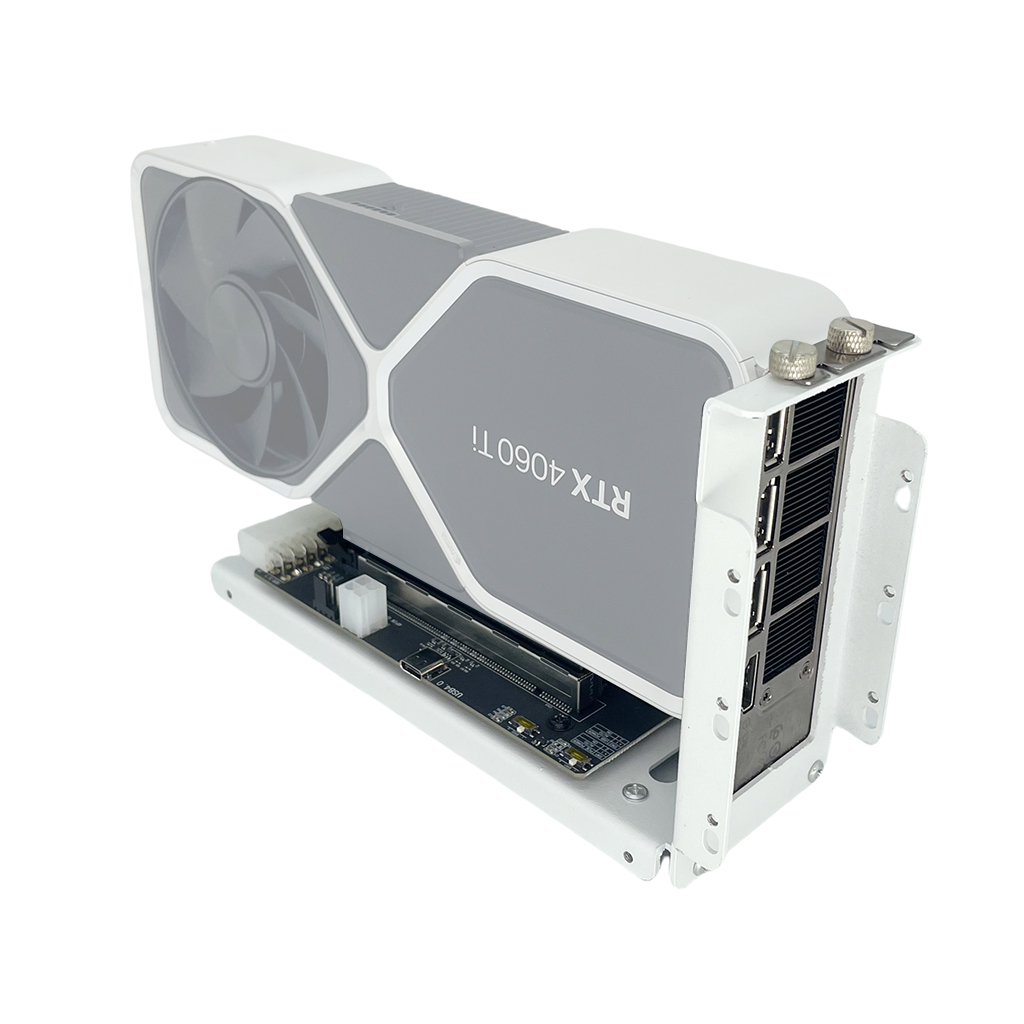
DOCKU5A 40G Thunderbolt3/4-Compatible Graphics Docking Station for GTX1050 External GPU Dock USB4 PCIE X4 GEN4 Video Card Dock
-
Detail
- Product Name: DOCKU5A 40G Thunderbolt3/4-Compatible Graphics Docking Station for GTX1050 External GPU Dock USB4 PCIE X4 GEN4 Video Card Dock
- Item NO.: F53757-D1 F53757-D3
- Weight: 2024 kg = 4462.1562 lb = 71394.4990 oz
- Volume: 1 CBM
- Category: Computer Accessories
- Creation Time: 2024-12-24

DOCKU5A 40G Thunderbolt3/4-Compatible Graphics Docking Station for GTX1050 External GPU Dock USB4 PCIE X4 GEN4 Video Card Dock
Product Description:
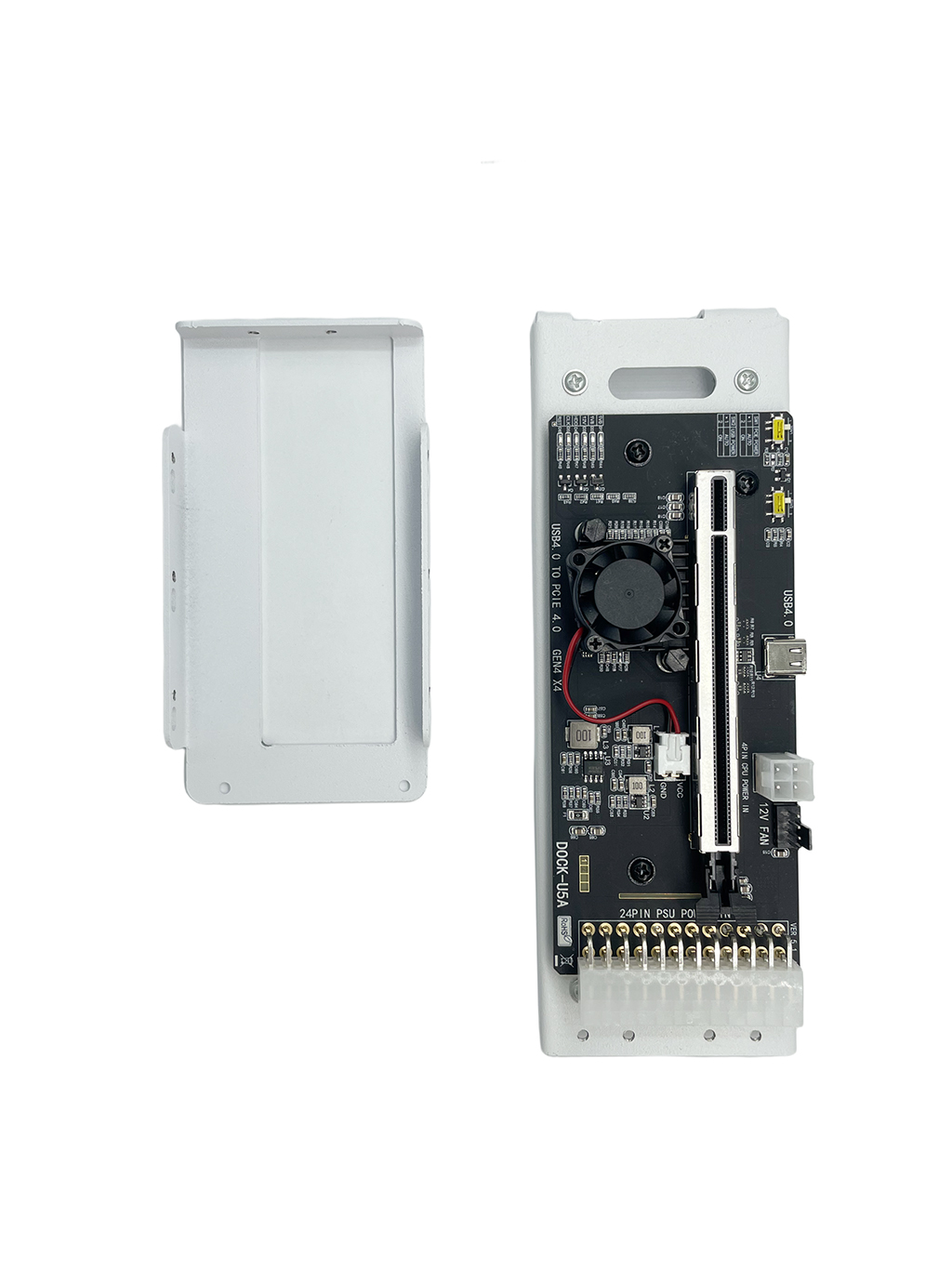
1, USB4 external graphics card docking station, using ASM2464PD chip,
PCIE X4 4.0 GEN4 protocol.
2, Compatible with USB4 protocol, compatible with
Thunderbolt-compatible III protocol,
compatible with Thunderbolt-compatible IV protocol.
3, Support external GPU graphics card, PCIE network card, PCIE sound card,
PCIE capture card, NVME\U.2\U.3 SSD and so on.
4, the maximum bandwidth speed for PCIE 4.0 X4 GEN4, 40G.
backward compatible with GEN3.
5, only support small 1U\FLEX power supply, the adapter board needs to be
inserted into the ATX24P power supply, CPU4P is auxiliary power supply,
graphics card power supply is provided by the power supply. Power supply
should choose 500W and above.
6, support for hot-plugging, USB4 host if you unplug the device in the
boot state, please click on the bottom right corner of the
window “pop-up display device”.
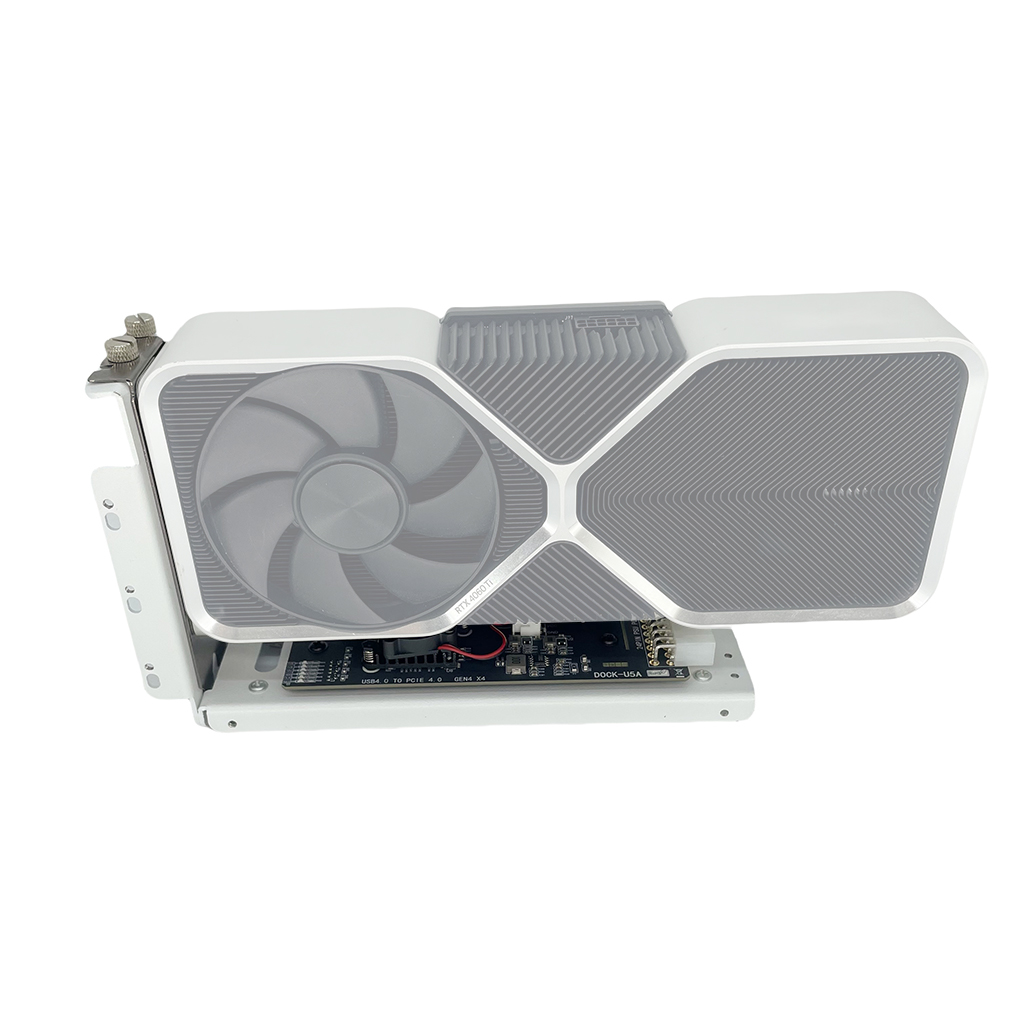
7, external GPU graphics card please select GTX1050 and above.
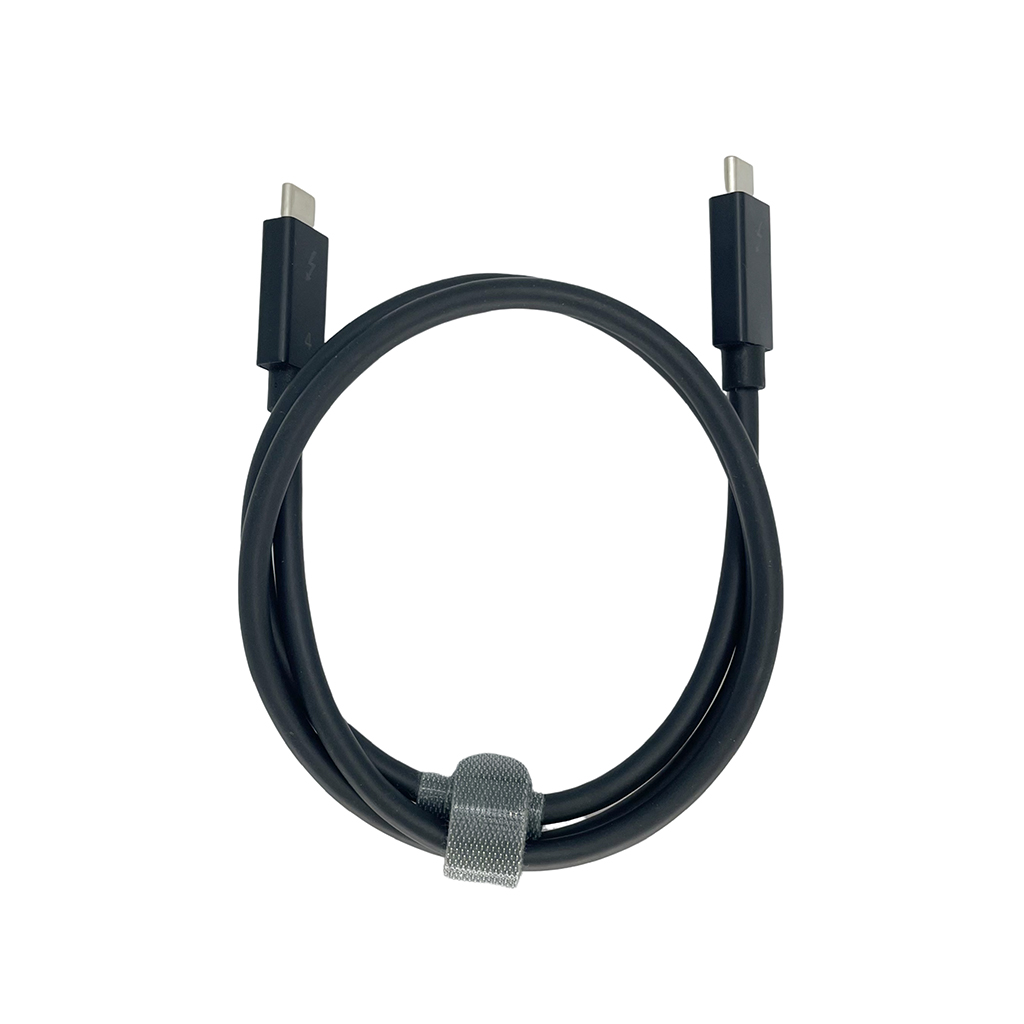
8, comes with 50cm Thunderbolt IV cable.
9, metal shell, can be installed graphics cards and small 1U \ FLEX power supply.
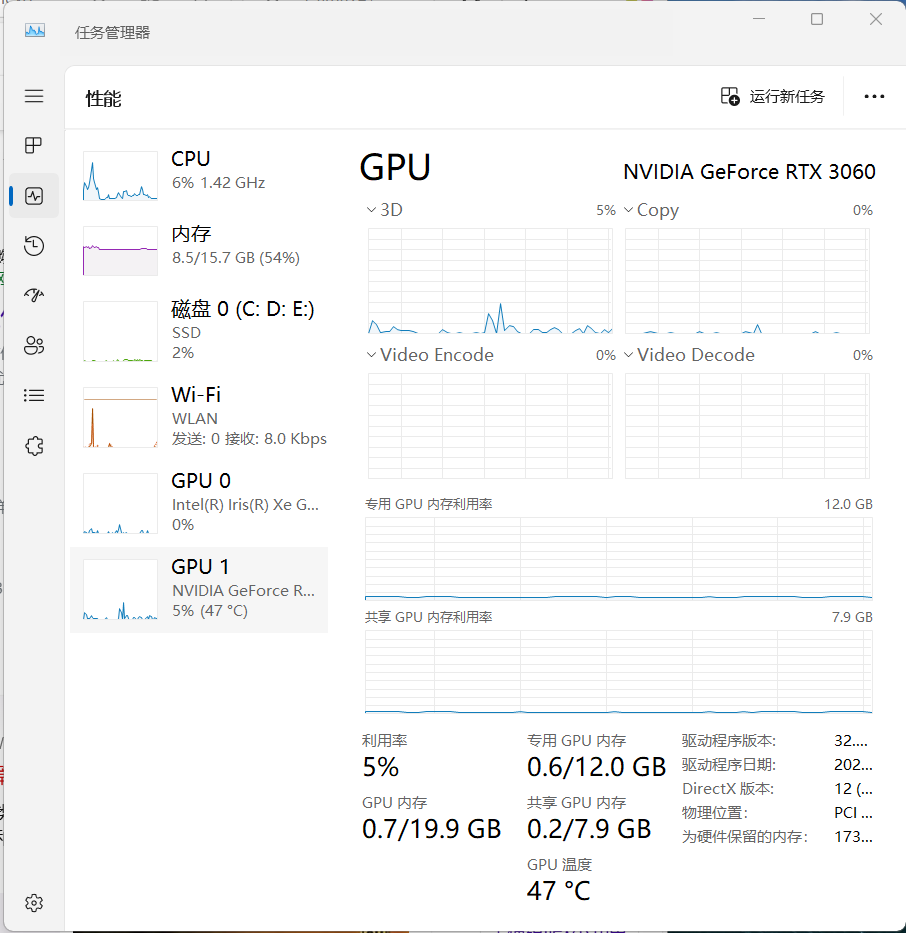
10, after connecting the cable and power supply, the host boot external
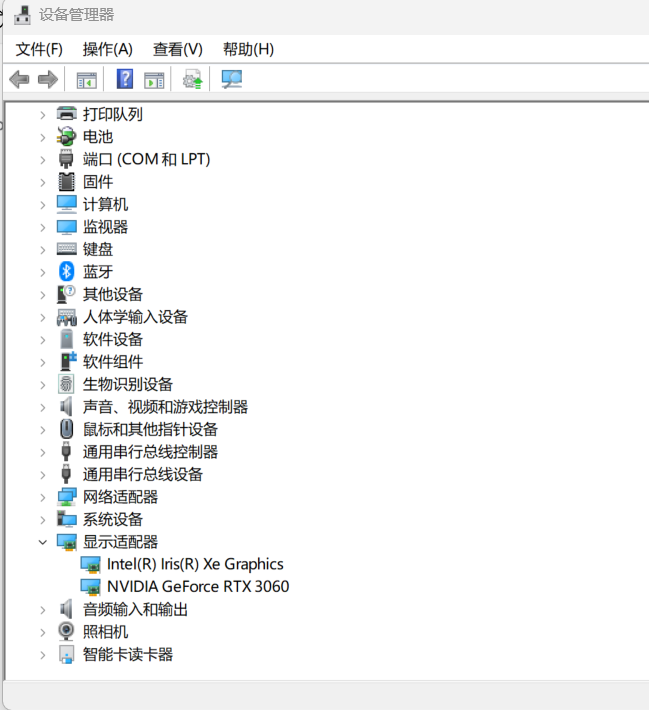
devices automatically start, enter the system first check the “Device Manager”
to see whether the “new display device” is recognized, please wait 5 minutes,
the system will generally automatically connect and update the driver.
If it can't be recognized, please try to reboot the host first, if the host has its
own unique display, please “disable” it in the “device manager”.
If you get “Error Code 43” or other problems when installing GPU driver,
please take some pictures or videos of your installation and
contact our customer service.






You May Also Like




Recently Viewed




- FAQ Center
- How Can I know all Xt-xinte's Activities
- How to earn credits to get money
- Get More credits during 2019
- Shipping Service
- Free Lottery
- Company Info
- Feedback
- Customer Reviews
- About Us
- Contact Us
- News
- Authorization Certifications
- Forget Password
- My Orders
- Tracking Order
- My Account
- Register

Customer Reviews