Copy and share this link on social network or send it to your friends
Copy| Product Name | DDR4 Memory Tester Test Card with long Latch with LED Indicators Connect With type C Cable For Desktop Computer |
| Item NO. | F53408 F53409 F53410 |
| Weight | 2024 kg = 4462.1562 lb = 71394.4990 oz |
| Volume | 1 CBM |
| Category | Computer Accessories |
| Creation Time | 2024-11-01 |
TYPE A
DDR4 Memory Tester with short Latch Desktop Computer DDR4 Memory Test Card with LED Indicators for Desktop Computer DDR4 Memory
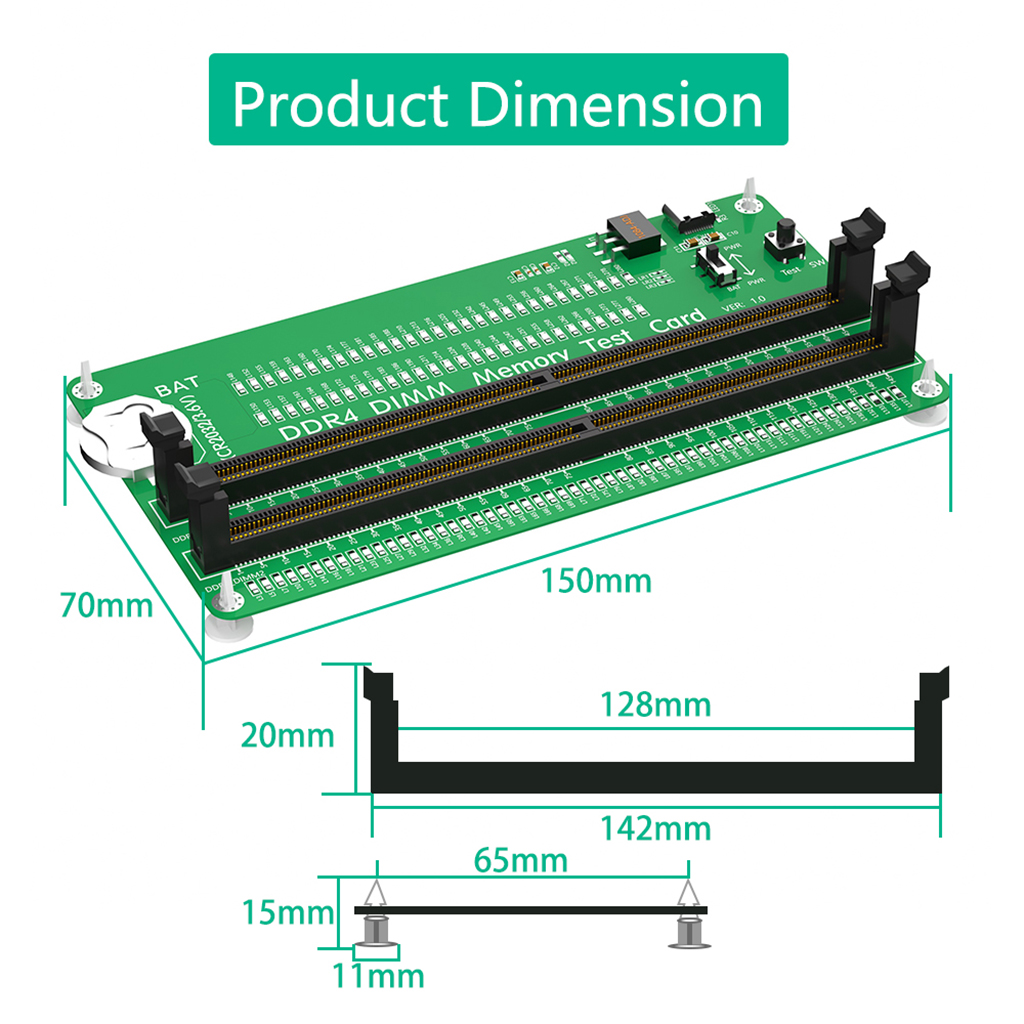
TYPE B:
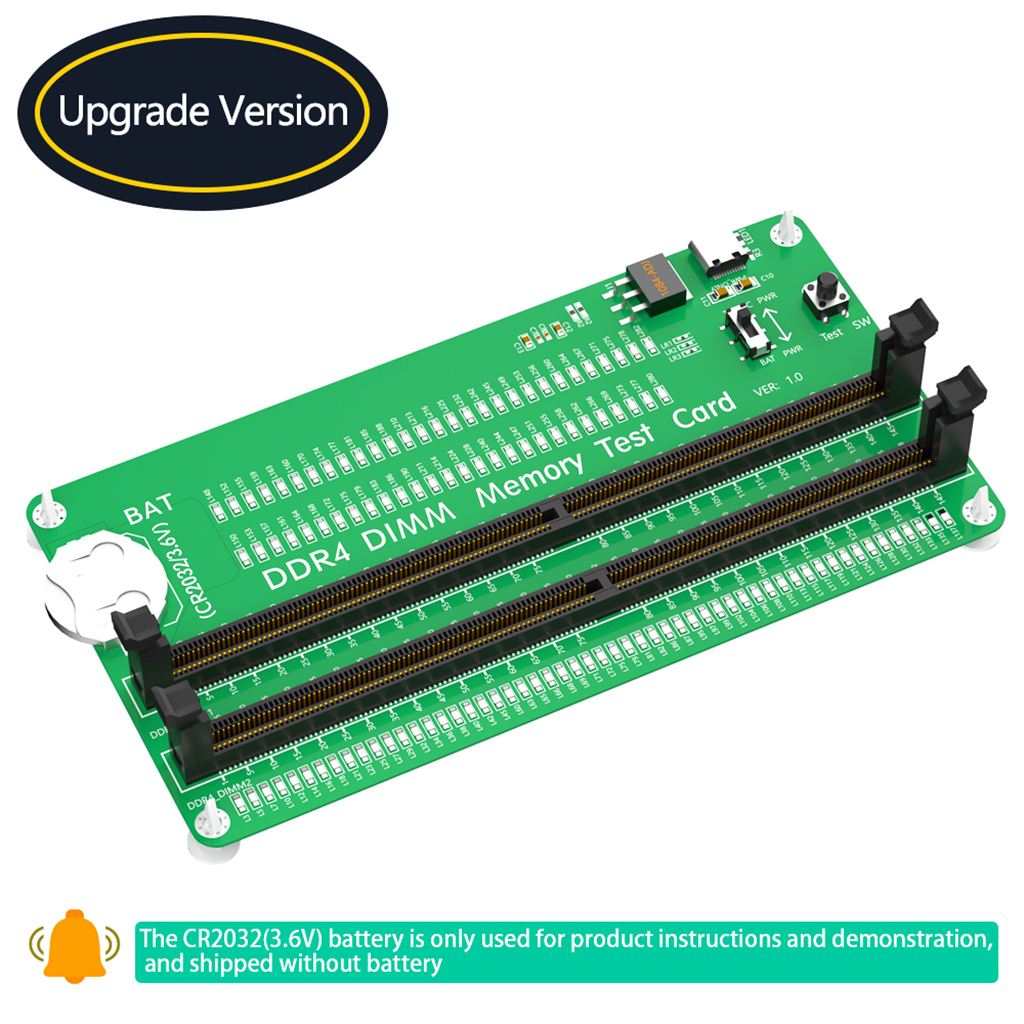
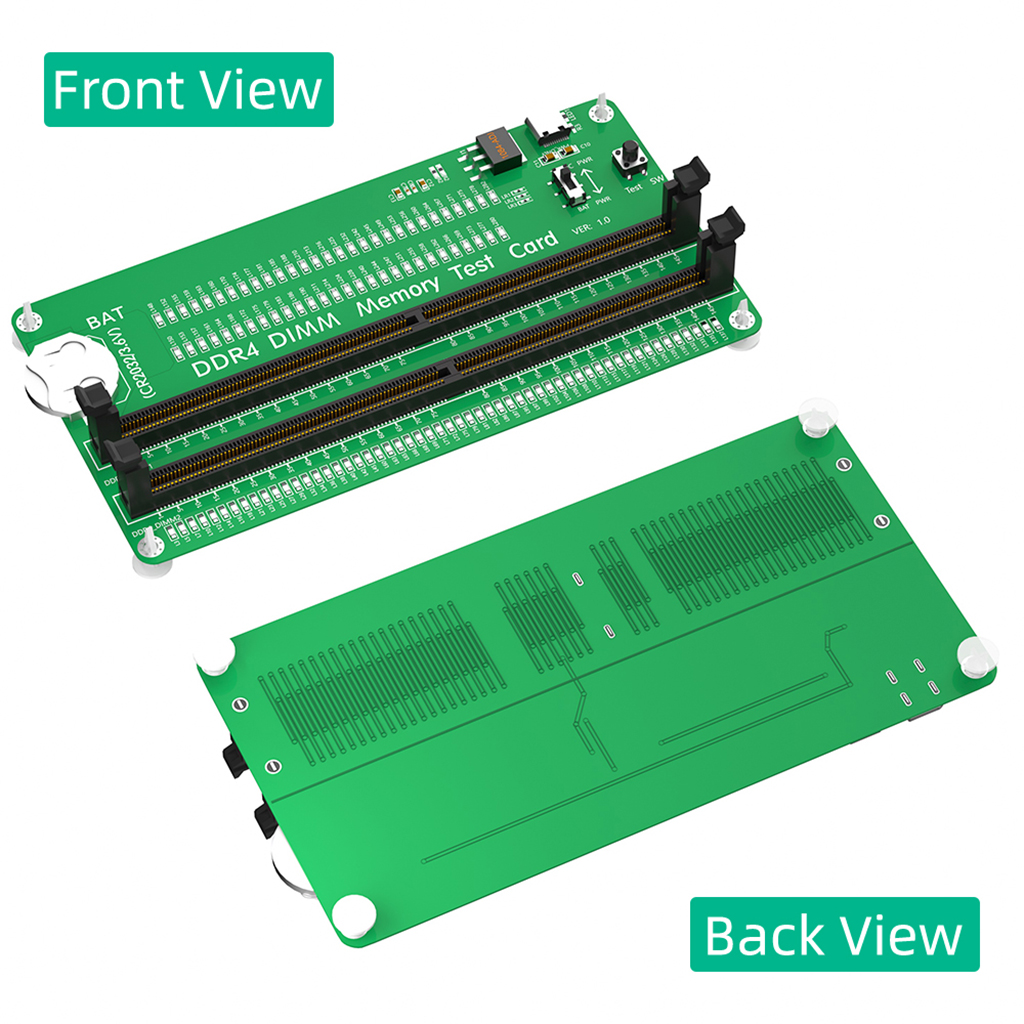
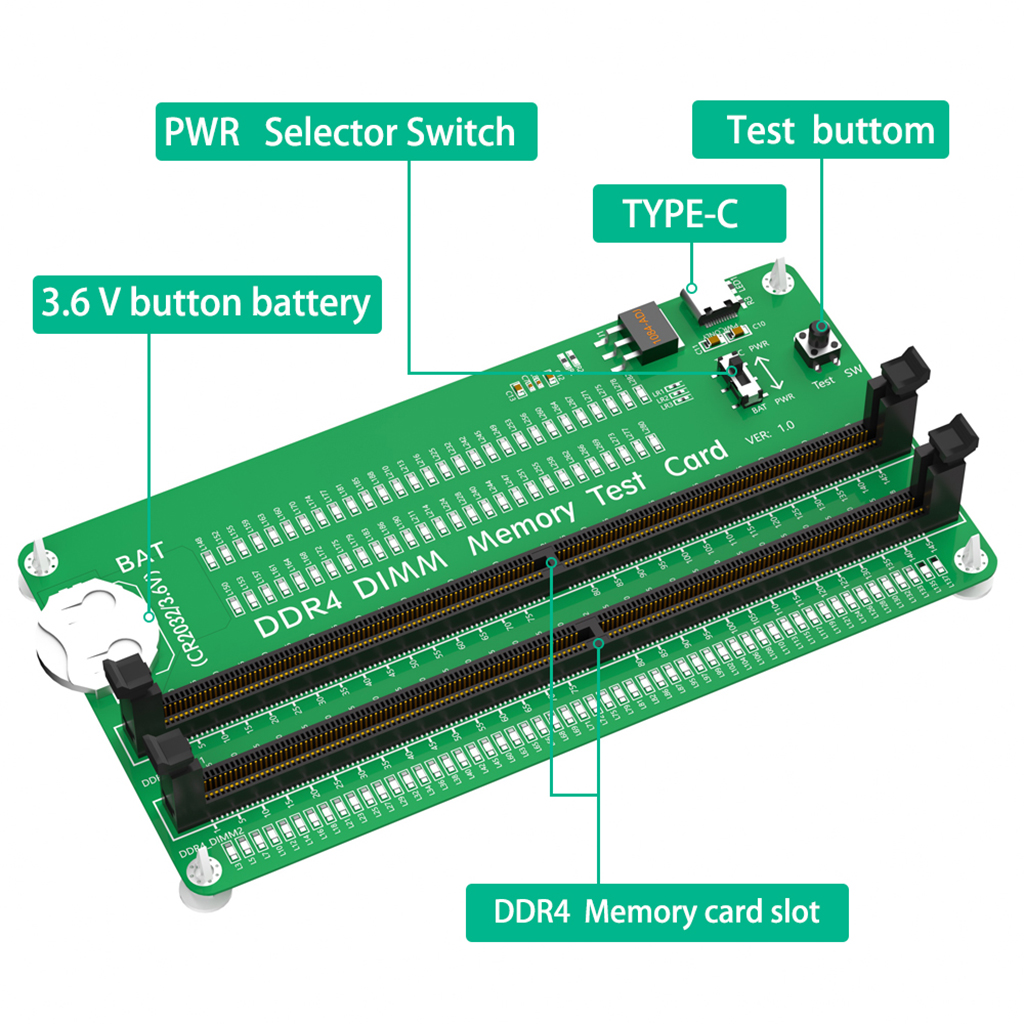
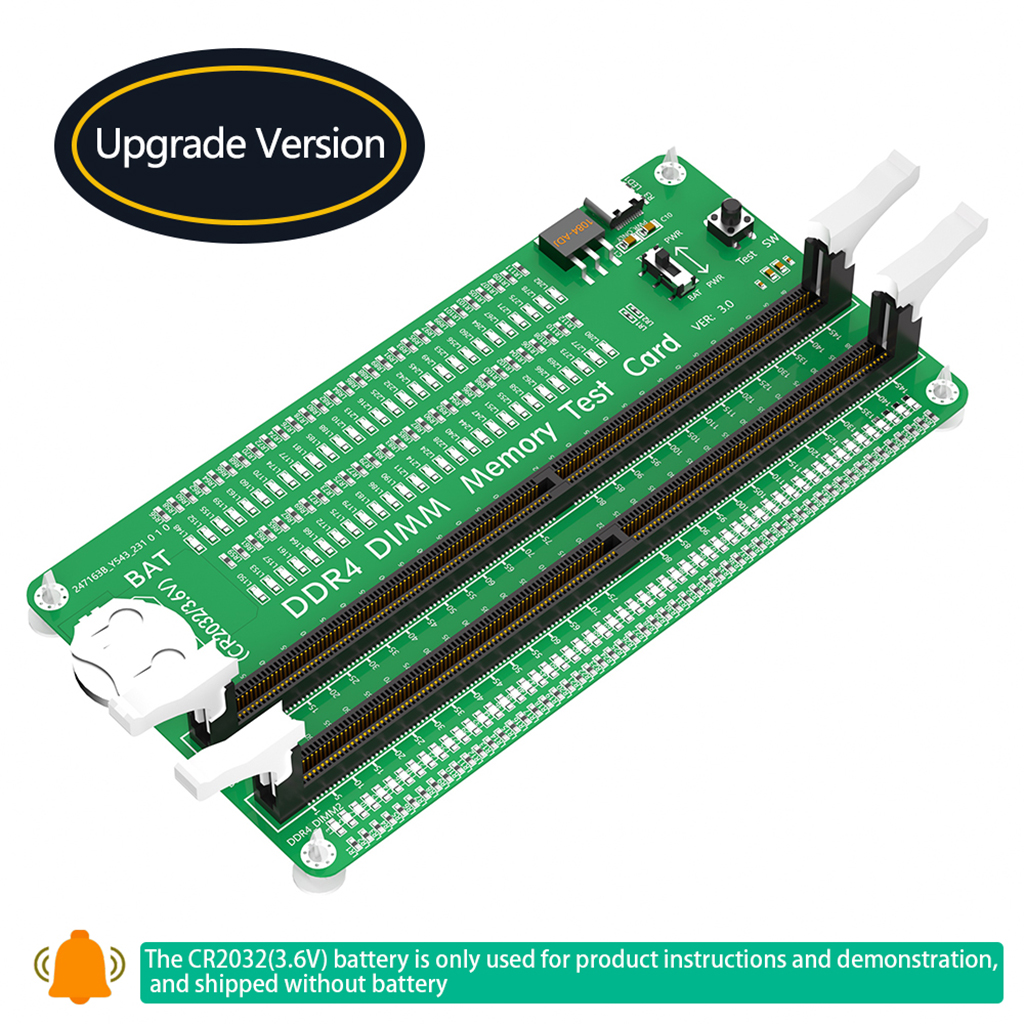
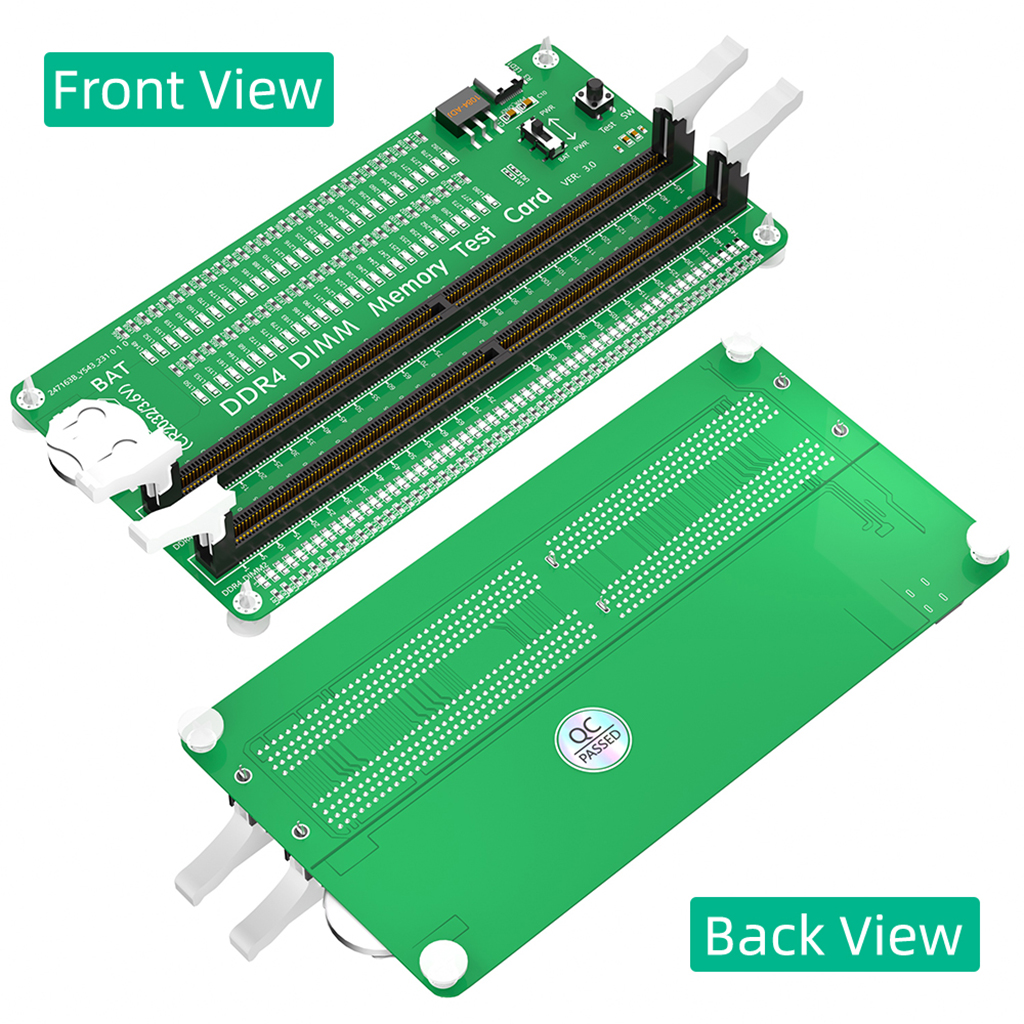
DDR4 Memory Tester with long Latch, Desktop Computer DDR4 Memory Test Card with LED Indicators for Desktop Computer DDR4 Memory
Product features:
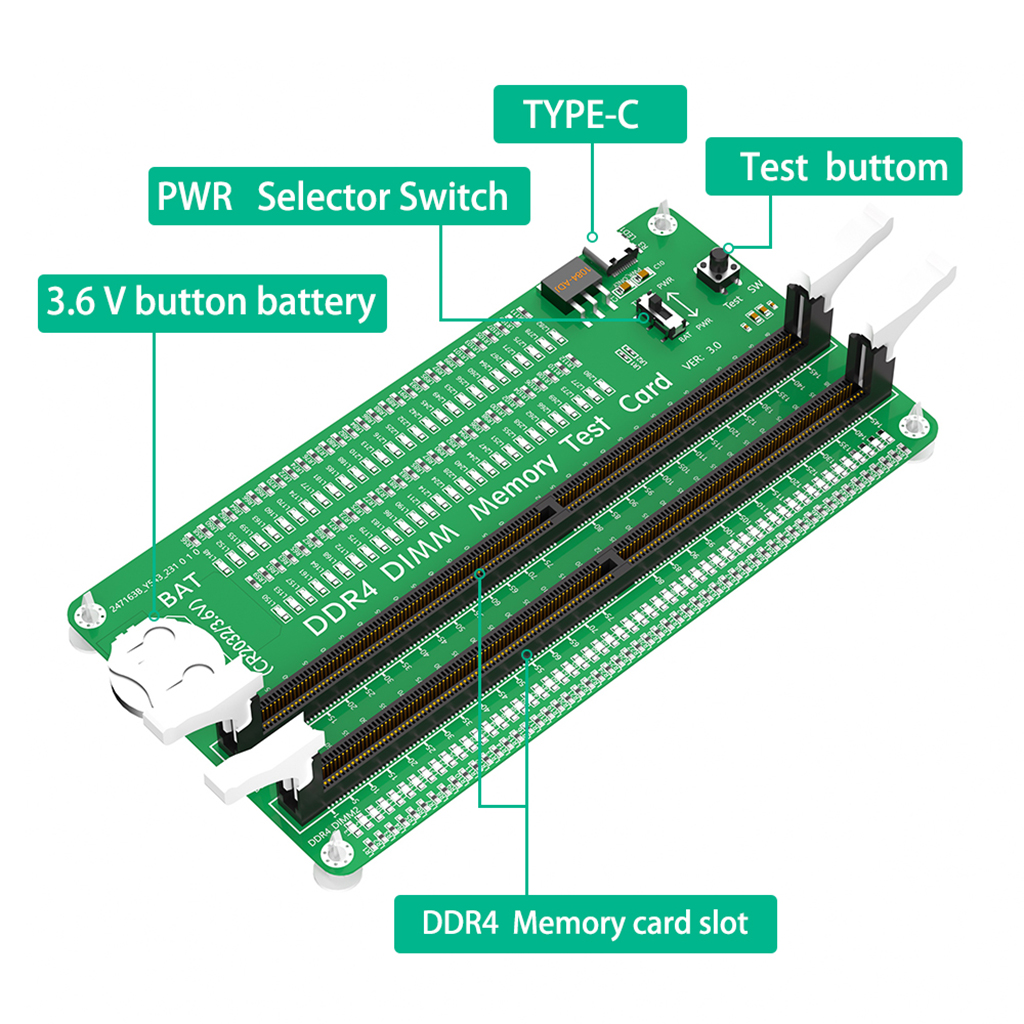
1.Applicable Scene: Desktop computer DDR4 memory test card is suitable for desktop computer DDR4 memory.
2.Computer Memory Failures: The failures of computer memory are mainly due to poor contact of the gold pins, wear and tear of the gold pins, broken PCBs, damage to the data line exclusion, open and short circuits in the video memory, and poor memory performance, etc.
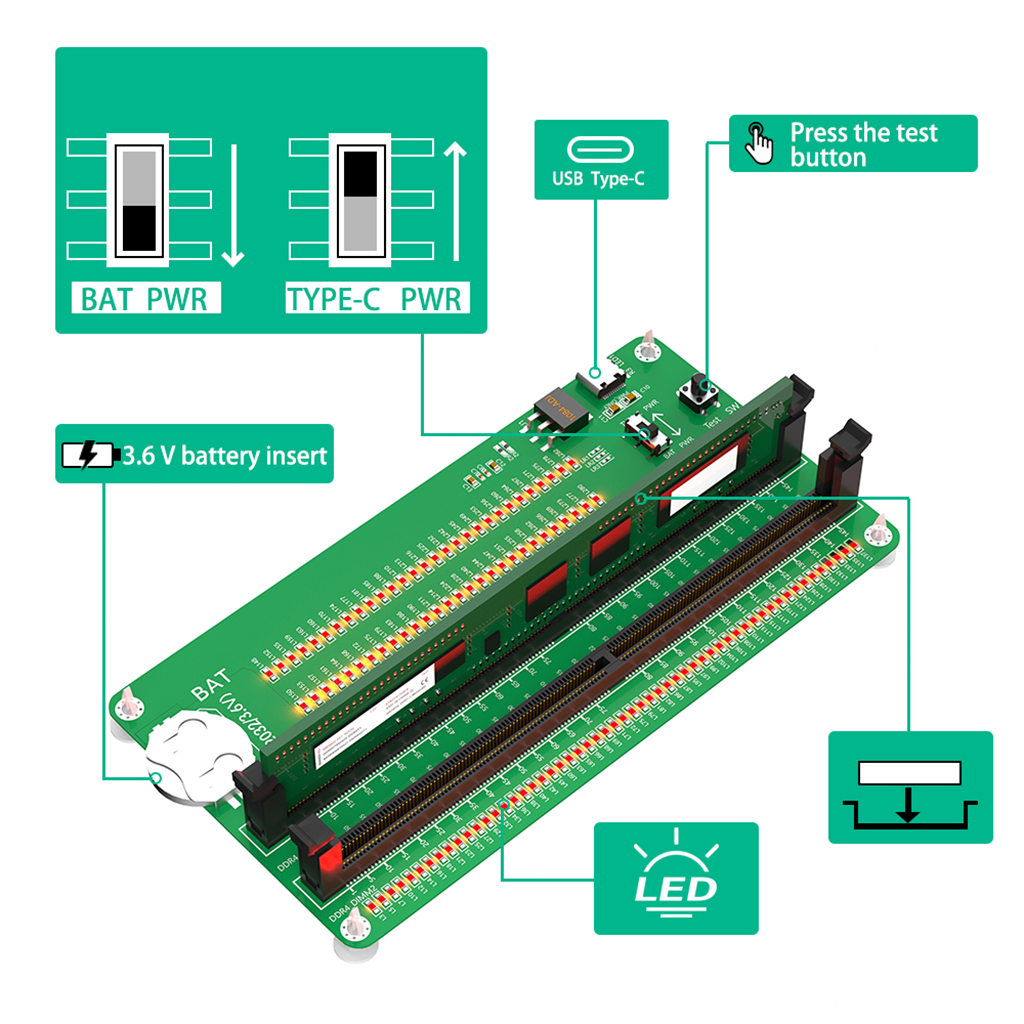
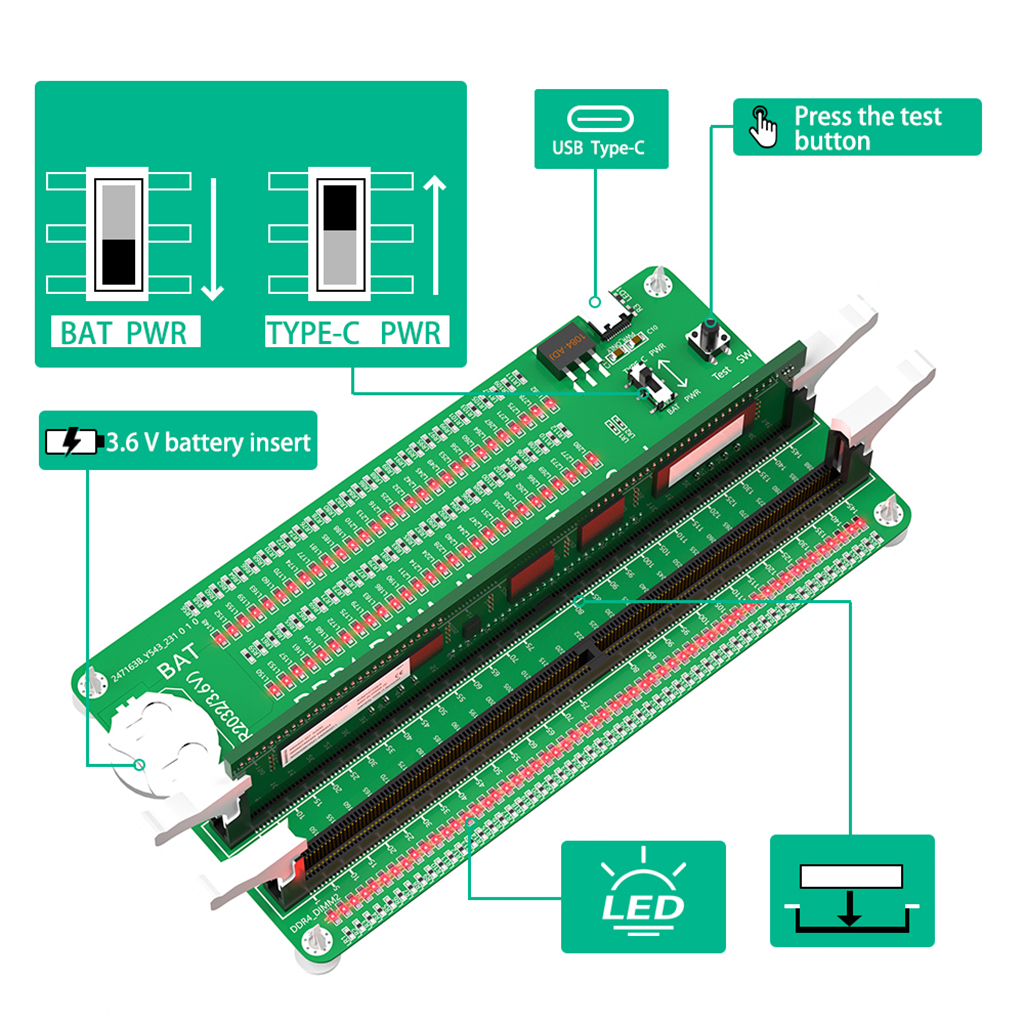
3. LED Indicators: LED indicators are used to test all data lines of the memory, and the normal brightness is regarded as normal. When a hardware fault occurs in the loop of these data lines, bright or no light is abnormal.
4.Uses: If the test indicator flashes, it means that the gold pin is in poor contact. If there is no indicator light, it means that the hardware has an open circuit failure. Check the wear of the gold pin, whether the exclusion is damaged, and whether the PCB is disconnected.
5.Easy To Use: Insert the CR2032 battery into the battery holder of the test card, or connect the type C cable , and then insert the memory card to test.
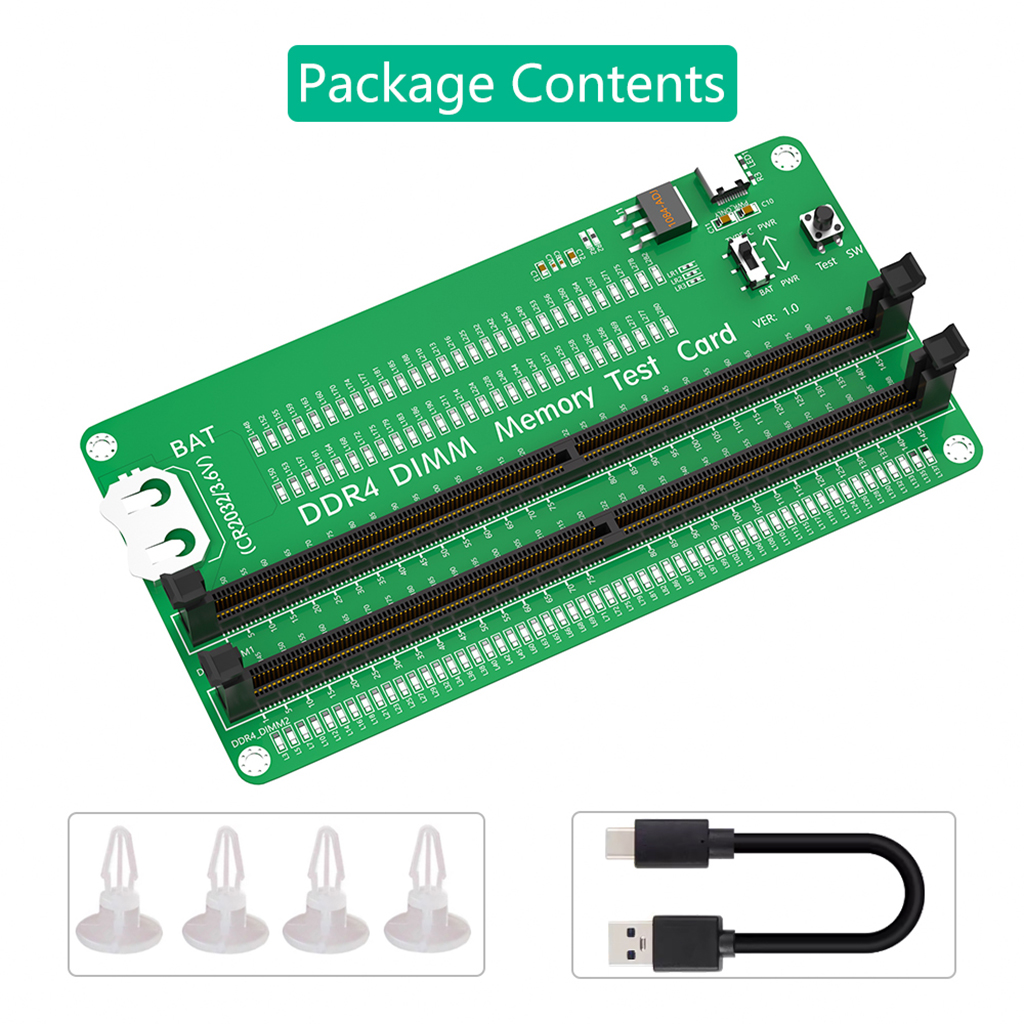
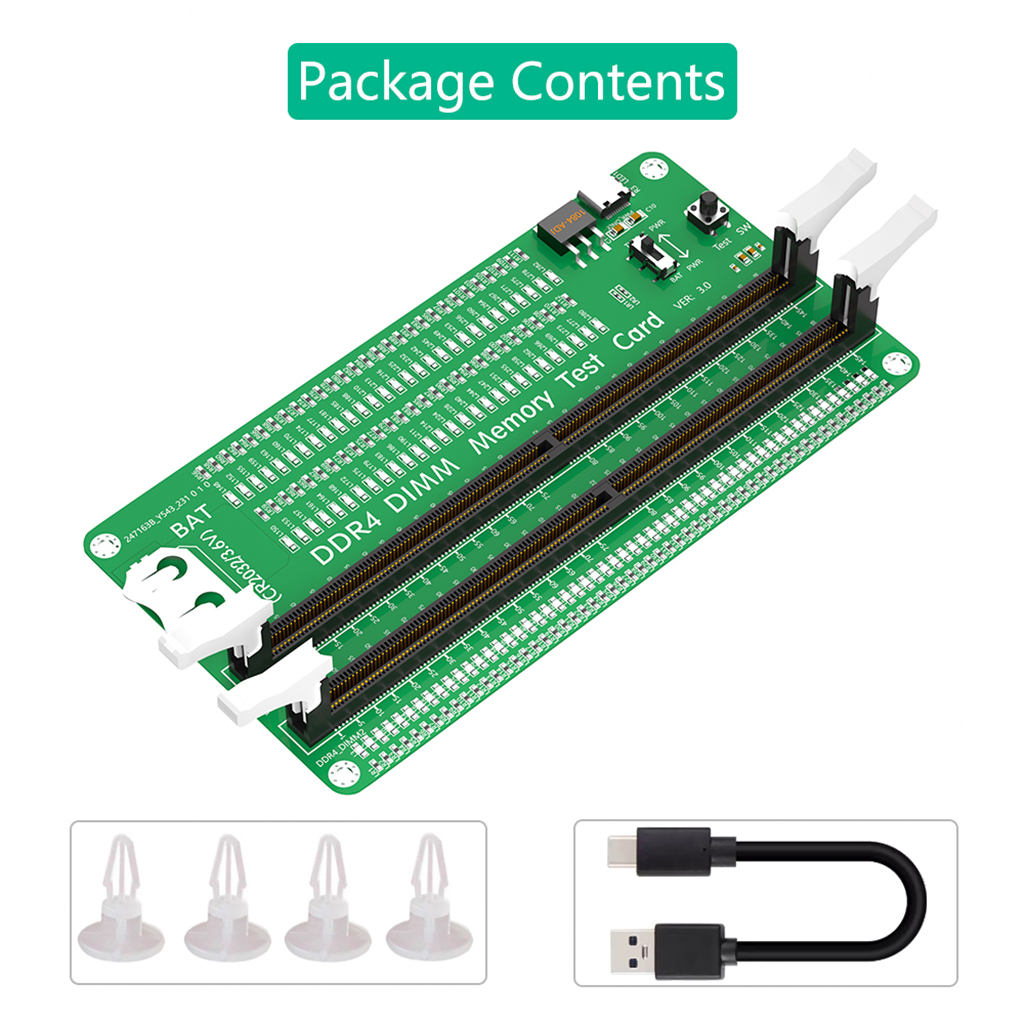
Package contents:
1 x DDR4 Memory Tester
1x Type C cable
4x PCB Spacer
TYPE C:
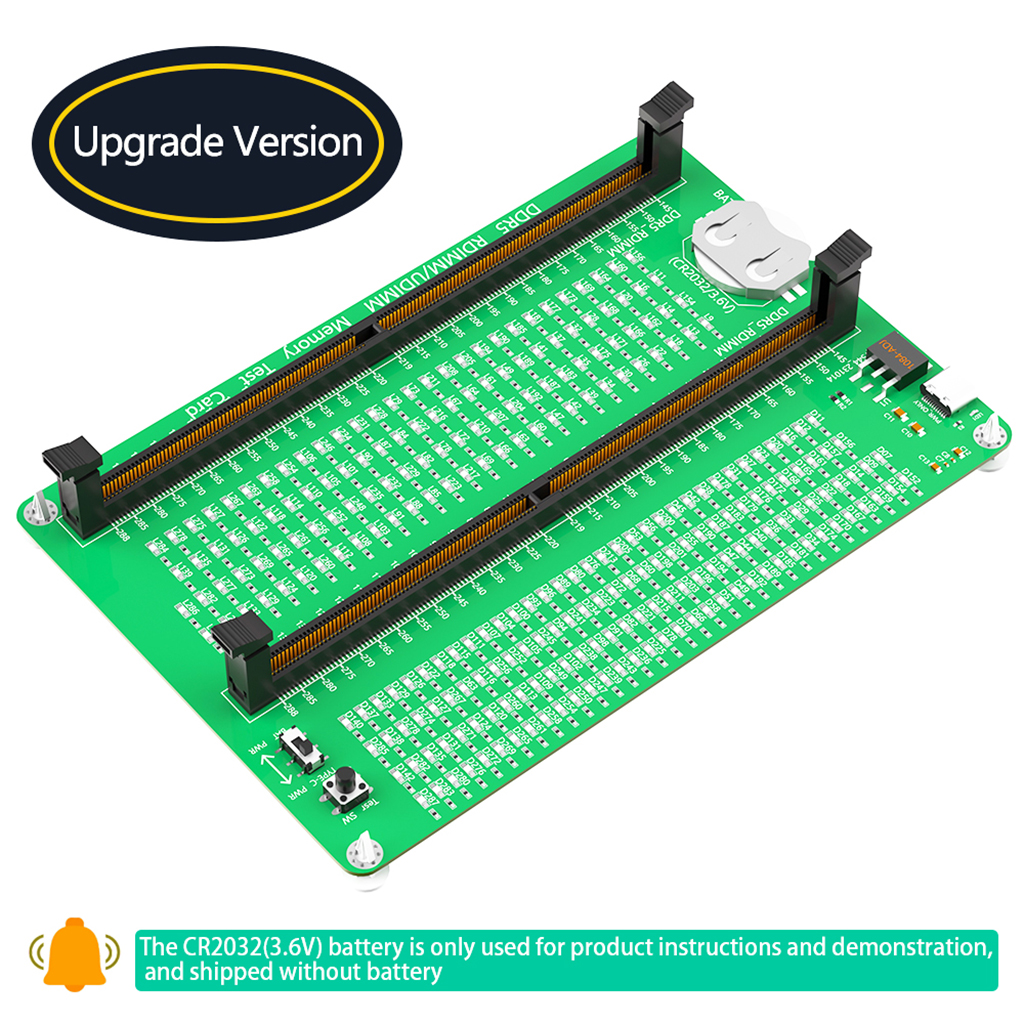
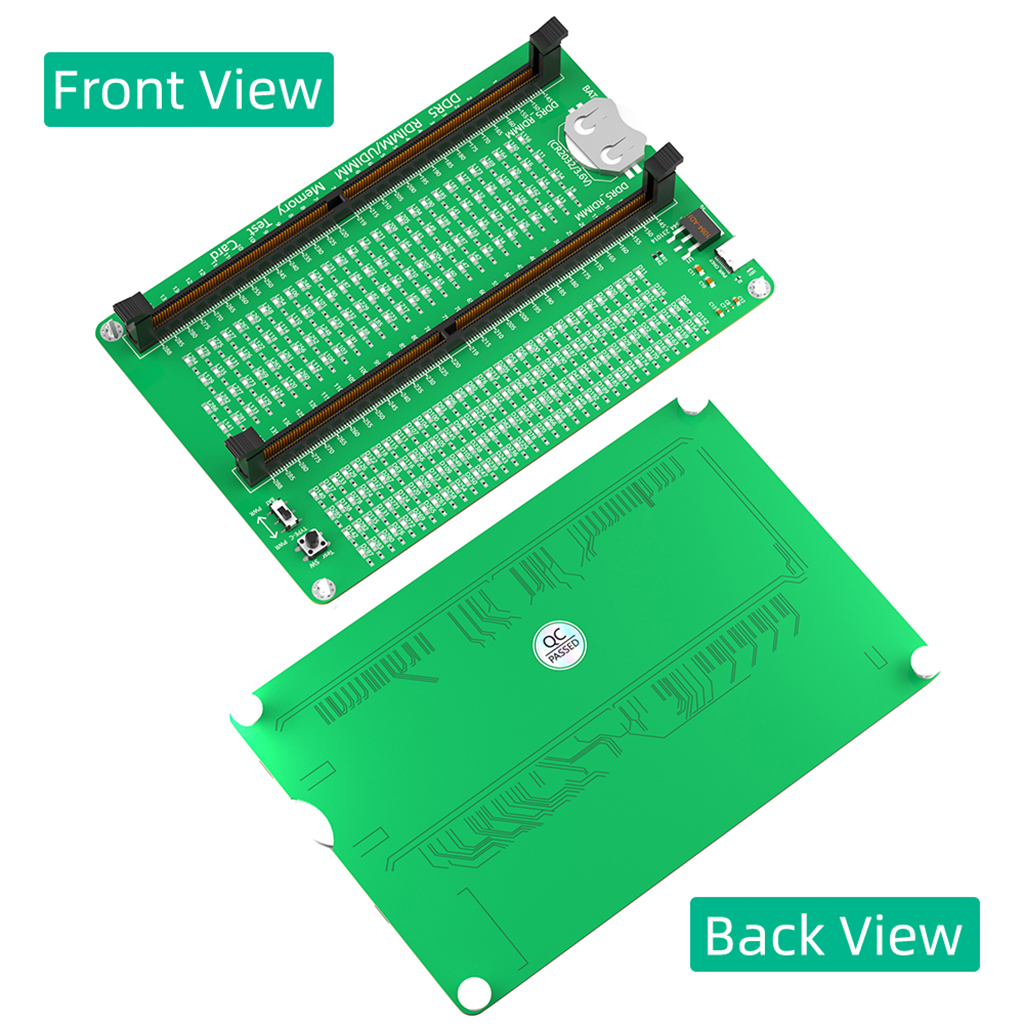
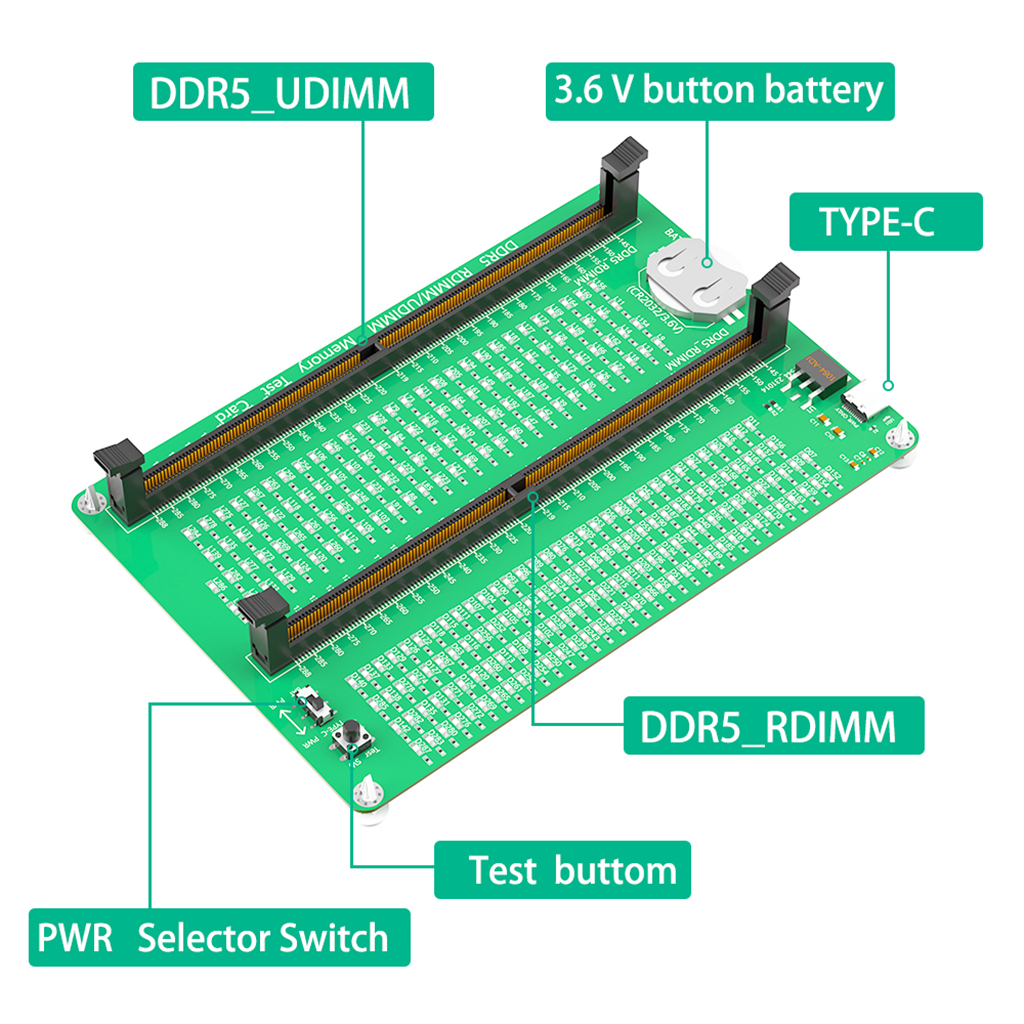
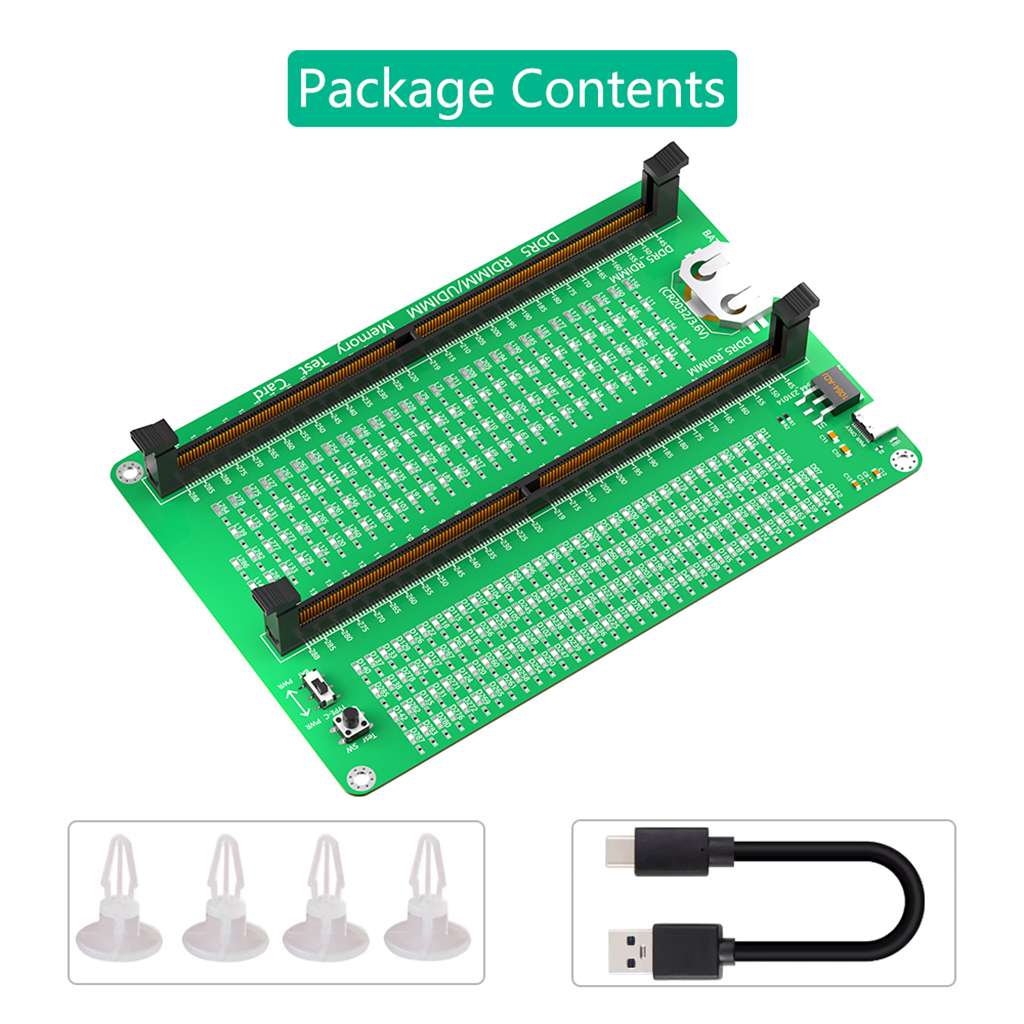
DDR5 RDIMM/UDIMM Memory Tester, Desktop Computer DDR5 Memory Test Card with LED Indicators for Desktop Computer DDR5 RDIMM/UDIMM Memory
Product features:
1.Applicable Scene: DDR5 memory test card is suitable for desktop computer DDR5 UDIMM/RDIMM memory.
2.Computer Memory Failures: The failures of computer memory are mainly due to poor contact of the gold pins, wear and tear of the gold pins, broken PCBs, damage to the data line exclusion, open and short circuits in the video memory, and poor memory performance, etc.
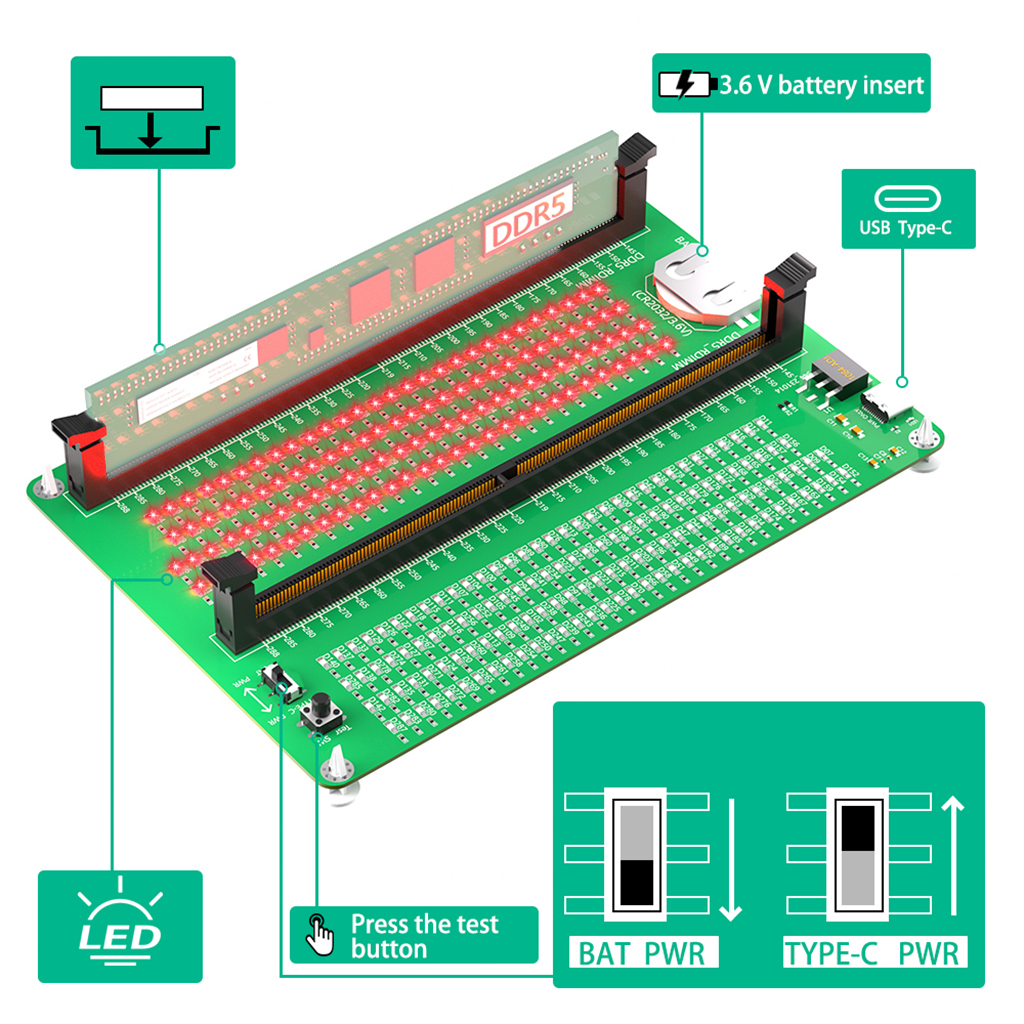
3. LED Indicators: LED indicators are used to test all data lines of the memory, and the normal brightness is regarded as normal. When a hardware fault occurs in the loop of these data lines, bright or no light is abnormal.
4.Uses: If the test indicator flashes, it means that the gold pin is in poor contact. If there is no indicator light, it means that the hardware has an open circuit failure. Check the wear of the gold pin, whether the exclusion is damaged, and whether the PCB is disconnected.
5.Easy To Use: Insert the CR2032 battery into the battery holder of the test card, or connect the type C cable , and then insert the memory card to test.
Package contents:
1 x DDR5 Memory Tester
1x Type C cable
4x PCB Spacer


Email:yxy@xt-xinte.com
Wechat:15012645226
Microsoft teams: 13640955802





No related record found